
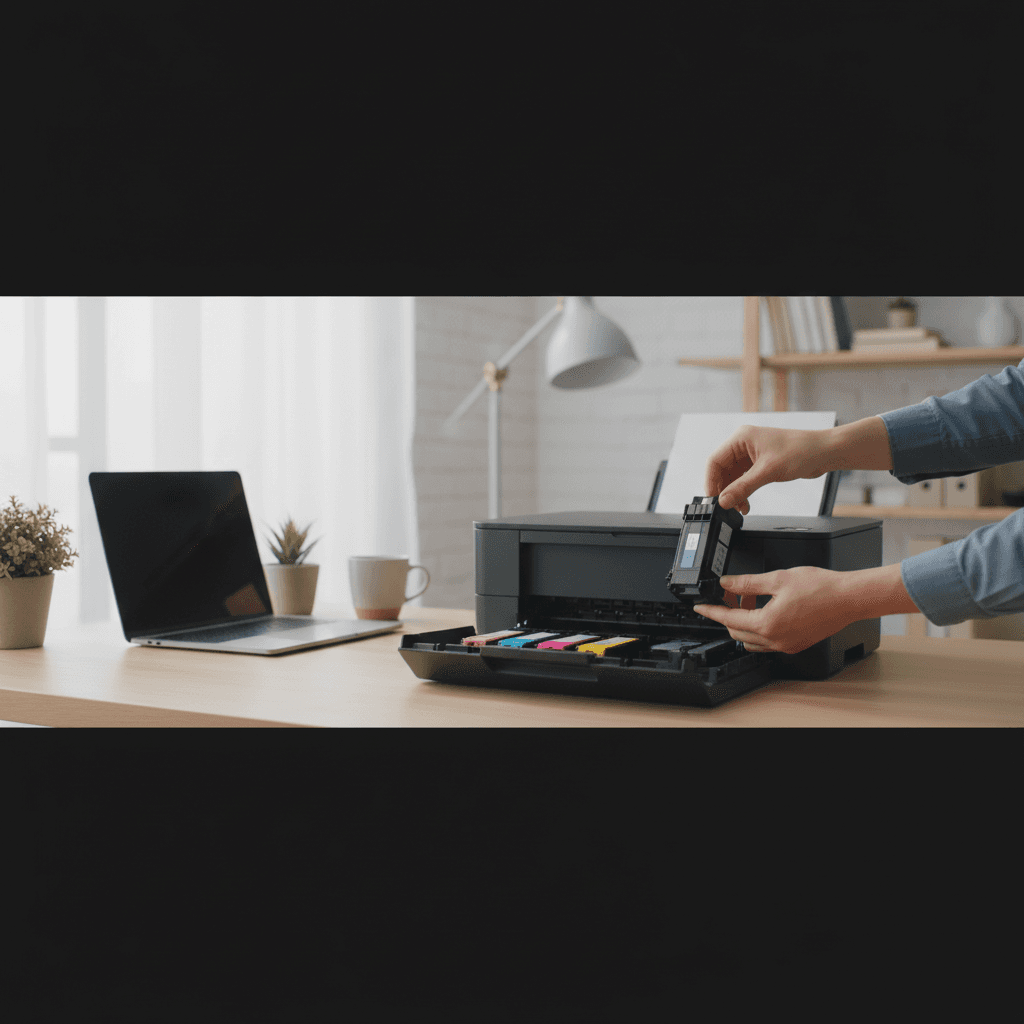
Out of Black Ink But Color Cartridges Still Have Ink
Black cartridge empty but you have plenty of color ink? Here's why inks run out at different rates and what your options are.
What's Happening
You've run out of black ink, but your color cartridges are still half-full (or vice versa). Now the printer refuses to print anything, even though you just need black text and have three color cartridges sitting there with plenty of ink. It feels wasteful, and it is - but there are some options.
Quick Checks (Do These First)
- Is the "empty" cartridge truly empty? Some printers warn early - you might have pages left.
- Can you print in draft mode? Some printers allow continued printing with low ink.
- Does your printer have a "composite black" option? This uses color inks to simulate black.
- Is it worth buying just one cartridge? Sometimes combo packs are more economical.
Step-by-Step Fixes
Fix 1: Check for Composite Black Mode
Some printers can create black from color inks:
- Go to print settings/preferences
- Look for "Grayscale" printing options
- Try "Composite Black" or "Use Color Inks Only"
- Quality won't be as good, but it works in a pinch
Fix 2: Override Low Ink Warnings
- Some printers let you continue printing with "low" cartridges
- Look for "Continue" or "OK" options when warnings appear
- The printer may be warning you early - actual ink may remain
- Keep an eye on quality; stop if prints fade
Fix 3: Buy Just the Empty Cartridge
- Most ink can be bought individually, not just in sets
- Compare prices: sometimes high-capacity XL singles are better deals
- Third-party cartridges are usually cheaper for single colors
- Keep spares of colors you use most
Fix 4: Consider a Different Printer Type
For the future:
- Supertank/EcoTank printers let you refill only colors you need
- Laser printers use toner more evenly for text
- Some printers are more "balanced" in ink usage
If Nothing Worked
Unfortunately, some printers (especially certain HP models with combined cartridges) won't print at all when any ink is out. You'll need to replace the empty cartridge before printing can resume.
When to Call a Pro
If you're constantly running out of one color before others, a technician can check if something's causing excessive ink usage (clogged head causing constant cleaning, or settings issues). They can also advise on more economical printing solutions.
Need Professional Help?
If you're in the Tampa Bay area and need hands-on assistance, Geeks in Sneaks provides friendly, on-site tech support in Clearwater, Clearwater Beach, and Dunedin.
Related Topics
Need Professional Help?
If you're still having trouble, our expert technicians can help.
Learn about our printer support serviceMore Printer Issues Fixes
See all Printer Issues fixes →How to Prevent Malware from Abusing Network Printers
Concerned about malware using your printer to spread or spy? Here's how to secure network printers against malicious software and attacks.
How to Prevent Kids or Guests from Printing 100-Page Jobs
Tired of accidental massive print jobs from kids or guests? Here's how to set up quotas, require approval, and control who can print what.
How Often Should You Check for Printer Security Updates?
Printer firmware updates aren't optional—they patch security holes. Here's how often to check, how to update, and how to set up automatic updates.
How to Block Unwanted Cloud and Remote Print Features
Don't want HP ePrint, Canon Cloud, or Epson Connect on your printer? Here's how to disable cloud printing features for better privacy and security.
How to Use Guest Networks or VLANs to Isolate Your Printer
Want to keep your printer on a separate network for security? Learn how to use guest networks and VLANs to isolate printers from your main devices.
How to Reset Forgotten Admin Password on Printer Web Interface
Locked out of your printer's web interface? Here's how to reset the admin password for HP, Canon, Epson, and Brother printers.
How to Securely Dispose of Old Printers with Stored Data
Getting rid of an old printer? Learn how to wipe stored data and dispose of it securely so your personal information doesn't end up in the wrong hands.
Are Scanned or Copied Documents Stored on Your Printer?
Wondering if your printer keeps copies of documents you scan or copy? Here's what gets stored, how to check, and how to clear it.