
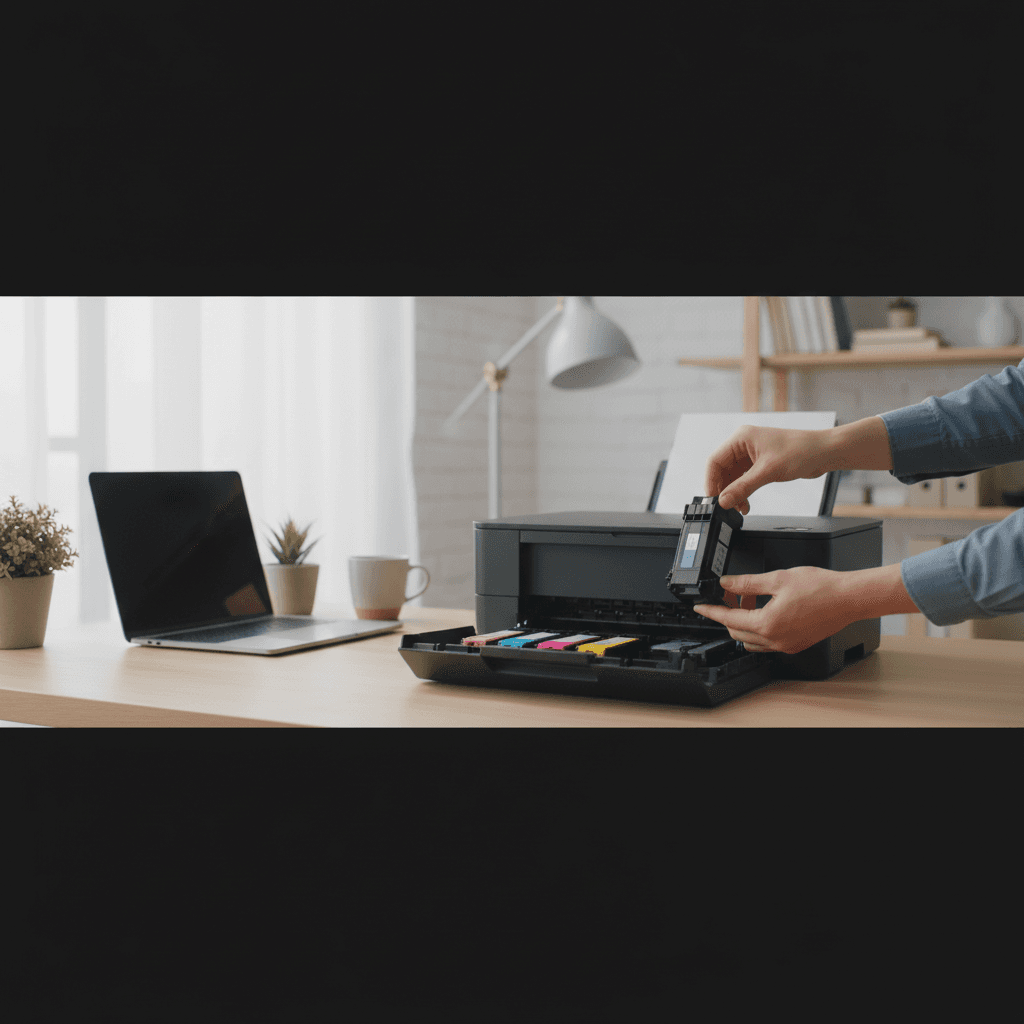
Is It Safe to Use Non-OEM Ink and Toner
Wondering if third-party ink and toner cartridges will damage your printer or void your warranty? Here's what you actually need to know.
What's Happening
You're standing in the printer aisle staring at two options: genuine manufacturer cartridges for $60, or compatible third-party cartridges for $15. The price difference is huge, but you're worried about damaging your printer or voiding the warranty. It's a legitimate concern, and printer manufacturers certainly want you worried enough to buy their expensive cartridges. The good news is that using third-party ink and toner is generally safe and legal, but the quality of those third-party cartridges matters significantly.
Quick Checks (Do These First)
- Check your printer's warranty terms - In the U.S., the Magnuson-Moss Warranty Act protects your right to use third-party supplies.
- Research the third-party brand - Look for reviews and ratings; not all compatible cartridges are created equal.
- Verify your printer accepts them - Some newer printers have firmware that blocks non-OEM cartridges.
- Consider your printing needs - Casual documents? Third-party is fine. Professional photography? OEM may be worth it.
Step-by-Step Fixes
Fix 1: Understand Your Warranty Rights
Manufacturers cannot legally void your warranty simply for using third-party cartridges.
- Under the Magnuson-Moss Warranty Act, manufacturers cannot require you to use specific brand parts unless they provide them for free
- Your warranty remains valid even when using compatible cartridges
- However, if a third-party cartridge causes damage, that specific damage isn't covered
- Keep receipts and documentation of any third-party cartridges you use
- If a manufacturer claims warranty is void, you can file a complaint with the FTC
The law protects consumers from being forced into buying expensive OEM supplies.
Fix 2: Choose Quality Third-Party Suppliers
Not all compatible cartridges are equal—quality varies dramatically between brands.
- Research reputable third-party cartridge manufacturers with good track records
- Look for brands that offer satisfaction guarantees or warranties on their cartridges
- Read recent customer reviews focusing on reliability and print quality
- Avoid the absolute cheapest options, especially from unknown sellers
- Consider "remanufactured" cartridges from established companies over generic new builds
- Ask for recommendations in online forums specific to your printer model
Well-made compatible cartridges can match OEM quality at a fraction of the price.
Fix 3: Watch for Firmware Lock-Outs
Some manufacturers use firmware updates to block third-party cartridges.
- Research whether your printer model is known for blocking compatible cartridges
- Check printer settings for "automatic firmware updates" and consider disabling them
- HP, Epson, and Canon have all been known to use firmware to block third-party ink
- If your printer suddenly rejects previously working cartridges, a firmware update may be the cause
- Some users successfully downgrade firmware, though this requires technical skill
This practice has led to lawsuits and consumer backlash, but still occurs with some manufacturers.
Fix 4: Mix and Match Strategically
You don't have to choose all OEM or all third-party—strategic mixing can save money without sacrificing quality.
- Use OEM cartridges for colors critical to your work (like photo black if you print photos)
- Use compatible cartridges for colors you use less frequently
- Consider OEM for initial printer setup to ensure print heads seat correctly
- Switch to third-party after the initial OEM cartridges run out
- Keep one set of OEM cartridges on hand for critical print jobs
This approach balances cost savings with performance for important projects.
If Nothing Worked
If your printer outright refuses to recognize third-party cartridges, check if a recent firmware update is the culprit. Some printers can be reset to older firmware versions, though this is technical and may not always be possible. Alternatively, you may need to accept that your printer is locked to OEM cartridges—a frustrating reality with some newer models. Research printer models carefully before purchasing a new one if third-party cartridge compatibility is important to you. Some manufacturers are more third-party-friendly than others.
When to Call a Pro
If you've installed a third-party cartridge and your printer now shows error messages you can't clear, produces terrible print quality that doesn't improve with cleaning cycles, or has visible ink leaks inside the printer, you may need professional diagnosis. A faulty third-party cartridge can occasionally cause issues that require expertise to resolve. Also, if you're in a business environment with multiple printers and need guidance on supply sourcing that balances cost and reliability, professional IT support can provide valuable advice.
Need Professional Help?
If you're in the Tampa Bay area and need hands-on assistance, Geeks in Sneaks provides friendly, on-site tech support in Clearwater, Clearwater Beach, and Dunedin.
Related Topics
Need Professional Help?
If you're still having trouble, our expert technicians can help.
Learn about our printer support serviceMore Printer Issues Fixes
See all Printer Issues fixes →How to Prevent Malware from Abusing Network Printers
Concerned about malware using your printer to spread or spy? Here's how to secure network printers against malicious software and attacks.
How to Prevent Kids or Guests from Printing 100-Page Jobs
Tired of accidental massive print jobs from kids or guests? Here's how to set up quotas, require approval, and control who can print what.
How Often Should You Check for Printer Security Updates?
Printer firmware updates aren't optional—they patch security holes. Here's how often to check, how to update, and how to set up automatic updates.
How to Block Unwanted Cloud and Remote Print Features
Don't want HP ePrint, Canon Cloud, or Epson Connect on your printer? Here's how to disable cloud printing features for better privacy and security.
How to Use Guest Networks or VLANs to Isolate Your Printer
Want to keep your printer on a separate network for security? Learn how to use guest networks and VLANs to isolate printers from your main devices.
How to Reset Forgotten Admin Password on Printer Web Interface
Locked out of your printer's web interface? Here's how to reset the admin password for HP, Canon, Epson, and Brother printers.
How to Securely Dispose of Old Printers with Stored Data
Getting rid of an old printer? Learn how to wipe stored data and dispose of it securely so your personal information doesn't end up in the wrong hands.
Are Scanned or Copied Documents Stored on Your Printer?
Wondering if your printer keeps copies of documents you scan or copy? Here's what gets stored, how to check, and how to clear it.