
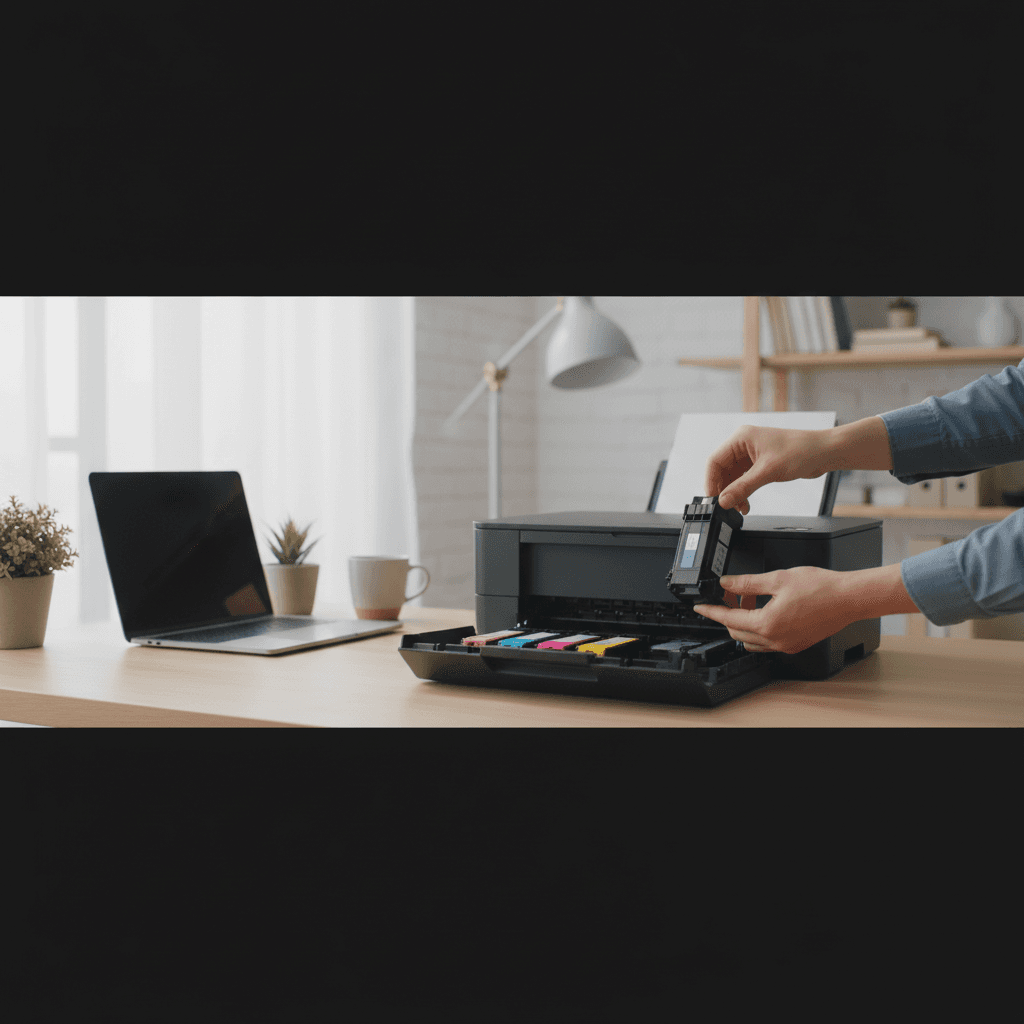
Ink Tank vs Cartridge Printers: Who Should Switch (Epson EcoTank, HP Smart Tank, Canon MegaTank, Brother INKvestment)
Tired of expensive ink cartridges? Ink tank printers can save you 90% on ink costs. Here's who should make the switch and which models are best.
What's Happening
You're sick of paying $40-60 every few months for ink cartridges that seem to run out impossibly fast. You've heard about "ink tank" printers like Epson EcoTank or HP Smart Tank that use refillable bottles instead of cartridges, promising massive savings. But they cost $200-400 upfront, and you're wondering if they're actually worth it or just marketing hype. Let's do the math and find out who should switch.
Quick Checks (Do These First)
- How much do you spend on ink per year? Add up your cartridge purchases.
- How many pages do you print per month? Estimate honestly.
- What do you print? Mostly black text, color documents, or photos?
- Are you buying a new printer anyway? Perfect time to switch.
- Do you print frequently? Daily, weekly, or monthly?
What Are Ink Tank Printers?
Traditional printers use small, expensive cartridges. Ink tank printers have large, refillable reservoirs built into the printer. Instead of buying $40 cartridges, you buy $10-15 bottles of ink and pour them into the tanks.
Major brands:
- Epson EcoTank: The original and most popular
- HP Smart Tank: HP's version, often cheaper
- Canon MegaTank: Canon's ink tank line
- Brother INKvestment Tank: Brother's entry
The Cost Comparison
Traditional Cartridge Printer
Example: HP DeskJet 2755e
- Printer cost: $59
- Black cartridge (HP 67): $21 for 120 pages = $0.175/page
- Color cartridge (HP 67): $24 for 100 pages = $0.24/page
- Cost per color page: $0.415 (41.5 cents)
Print 600 color pages per year: $249/year in ink
2-year total: $557 ($59 printer + $498 ink)
Ink Tank Printer
Example: Epson EcoTank ET-2850
- Printer cost: $249
- Replacement ink bottles: $9 black (7,500 pages), $9 each color (6,000 pages each)
- Cost per black page: $0.0012 (0.12 cents)
- Cost per color page: ~$0.006 (0.6 cents)
Print 600 color pages per year: ~$4/year in ink
2-year total: $257 ($249 printer + $8 ink)
Savings over 2 years: $300
When to Switch to Ink Tank
Switch If You:
1. Print More Than 50 Pages Per Month
At this volume, ink tank printers pay for themselves in 12-18 months. The more you print, the faster the payback.
Breakeven point: Usually 6-12 months for families or home offices.
2. Spend $100+ Per Year on Ink
If you're dropping $100+ annually on cartridges, an ink tank will cut that to under $10/year. The math is simple.
3. Have Kids in School
School printing (worksheets, projects, permission slips, book reports) adds up fast. Families often print 100-200 pages per month during the school year.
With cartridges: $80-200/year
With ink tank: $5-10/year
4. Print Color Documents or Photos
Color ink is obscenely expensive in cartridges (often $0.40+ per page). Ink tank color printing costs under a penny per page.
5. You're Buying a New Printer Anyway
If your current printer died or you need to upgrade, spend the extra $100-150 on an ink tank instead of another cartridge printer. You'll save that difference in less than a year.
When to Stick With Cartridges
Keep Cartridges If You:
1. Print Less Than 30 Pages Per Month
At very low volumes, the upfront cost of an ink tank takes too long to recoup. A $70 cartridge printer makes more sense if you barely print.
2. Print Infrequently (Once a Month or Less)
If you go weeks without printing, a basic laser printer might be better than either option (toner doesn't dry up).
3. Have a Very Tight Budget
If you only have $50-100 to spend right now and can't afford $200-300 upfront, a cartridge printer gets you printing immediately. Just know you'll pay more long-term.
4. Already Own a Working Cartridge Printer
If your current printer works fine, don't replace it just for ink tank. Wait until it dies or becomes unreliable, then switch.
Brand Comparison
Epson EcoTank
- Pros: Most popular, proven reliability, excellent photo quality, wide model range
- Cons: Usually the most expensive upfront
- Best for: Photo printing, families, anyone who wants the safest choice
- Popular models: ET-2850 (basic), ET-2850 (all-in-one), ET-4800 (business)
- Ink cost: Lowest in the industry (~0.6¢ per color page)
HP Smart Tank
- Pros: Often cheaper than EcoTank, great text quality, compact design
- Cons: Photo quality slightly behind Epson
- Best for: Home office, document printing, budget-conscious buyers
- Popular models: Smart Tank 5101, 5105, 7005
- Ink cost: Slightly higher than Epson but still 90% cheaper than cartridges
Canon MegaTank
- Pros: Excellent photo quality, good all-around performance
- Cons: Fewer models available, less marketing push
- Best for: Photo enthusiasts, mixed use
- Popular models: PIXMA G3270, G4270
- Ink cost: Comparable to Epson
Brother INKvestment Tank
- Pros: Brother reliability, business-focused features
- Cons: Smaller ink capacity than competitors
- Best for: Small businesses, offices
- Popular models: MFC-J4335DW, MFC-J5945DW
- Ink cost: Higher per page than Epson/HP but still much cheaper than cartridges
Real User Savings Examples
Family With 3 Kids (200 pages/month color)
- With cartridges: $1,000/year in ink
- With EcoTank: $15/year in ink
- Savings: $985/year
- Payback: 3 months
Home Office (150 pages/month B&W, 50 color)
- With cartridges: $400/year in ink
- With Smart Tank: $8/year in ink
- Savings: $392/year
- Payback: 6 months
Occasional User (30 pages/month mixed)
- With cartridges: $80/year in ink
- With ink tank: $3/year in ink
- Savings: $77/year
- Payback: 2+ years (maybe not worth it)
What to Watch Out For
1. Initial Ink Included
Most ink tank printers come with enough ink to print 3,000-6,000 pages right out of the box. This is a huge value-add.
2. Refilling Can Be Messy
Pouring ink into tanks takes care - you can spill. It's not difficult, but it's not as clean as snapping in a cartridge. Newer models have better designs to prevent spills.
3. Tanks Can Dry Out
Just like cartridges, if you don't print for months, ink can dry in the printheads. Print a test page every 2-3 weeks to keep things flowing.
4. Higher Upfront Cost
You're paying $200-400 instead of $50-100. Make sure you'll print enough to justify it.
The Bottom Line
If you print 50+ pages per month, switch to ink tank. You'll save hundreds per year.
If you print less than 30 pages per month, stick with cartridges or consider a laser printer.
The best time to switch is when buying a new printer - don't buy another cartridge printer if you print regularly.
When to Call a Pro
If you need help choosing the right ink tank model for your needs, setting it up, or transferring from an old printer, professional assistance can ensure everything works perfectly from day one.
Need Professional Help?
If you're in the Tampa Bay area and need hands-on assistance, Geeks in Sneaks provides friendly, on-site tech support in Clearwater, Clearwater Beach, and Dunedin.
Related Topics
Need Professional Help?
If you're still having trouble, our expert technicians can help.
Learn about our printer support serviceMore Printer Issues Fixes
See all Printer Issues fixes →How to Prevent Malware from Abusing Network Printers
Concerned about malware using your printer to spread or spy? Here's how to secure network printers against malicious software and attacks.
How to Prevent Kids or Guests from Printing 100-Page Jobs
Tired of accidental massive print jobs from kids or guests? Here's how to set up quotas, require approval, and control who can print what.
How Often Should You Check for Printer Security Updates?
Printer firmware updates aren't optional—they patch security holes. Here's how often to check, how to update, and how to set up automatic updates.
How to Block Unwanted Cloud and Remote Print Features
Don't want HP ePrint, Canon Cloud, or Epson Connect on your printer? Here's how to disable cloud printing features for better privacy and security.
How to Use Guest Networks or VLANs to Isolate Your Printer
Want to keep your printer on a separate network for security? Learn how to use guest networks and VLANs to isolate printers from your main devices.
How to Reset Forgotten Admin Password on Printer Web Interface
Locked out of your printer's web interface? Here's how to reset the admin password for HP, Canon, Epson, and Brother printers.
How to Securely Dispose of Old Printers with Stored Data
Getting rid of an old printer? Learn how to wipe stored data and dispose of it securely so your personal information doesn't end up in the wrong hands.
Are Scanned or Copied Documents Stored on Your Printer?
Wondering if your printer keeps copies of documents you scan or copy? Here's what gets stored, how to check, and how to clear it.