
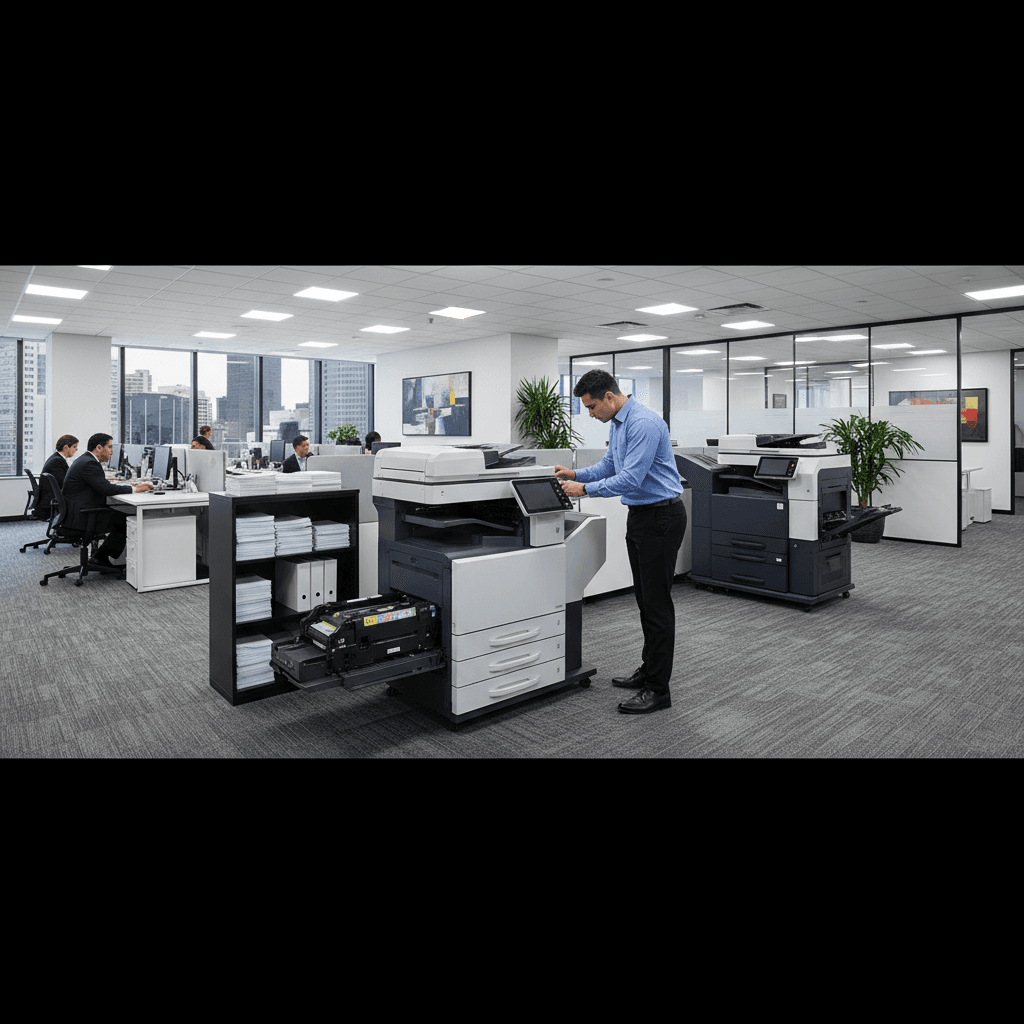
Why the Printer Takes Forever to 'Warm Up' Before Printing
Is your laser printer making you wait minutes before it prints? That warm-up delay is completely normal and necessary for quality prints.
What's Happening
If you press print and hear your laser printer humming and clicking for what feels like forever before anything actually prints, you're not alone. This warm-up period is a normal part of how laser printers work. The printer needs to heat its fuser assembly to around 400-450 degrees Fahrenheit before it can properly bond toner to paper. Until it reaches that temperature, it literally can't print without creating smudged, low-quality output.
Quick Checks (Do These First)
- Check if warm-up time is normal - Most laser printers take 30 seconds to 2 minutes to warm up from a cold start. If yours takes longer, there might be an issue.
- Look at your printer's power settings - Some printers have energy-saving modes that power down the fuser completely, requiring longer warm-up times.
- Note when it happens - First print of the day is slower, but if every single print requires a long warm-up, something's wrong.
Step-by-Step Fixes
Fix 1: Adjust Power-Saving Settings
Your printer may be shutting down too aggressively to save energy, causing unnecessary warm-up delays.
- Open your printer's settings menu (on the printer itself or through your computer)
- Look for "Energy Saver," "Sleep Mode," or "Power Management" settings
- Increase the time before the printer enters deep sleep mode
- Set it to "Quick Wake" or "Instant-On" mode if available
- Save changes and test with a print job
This keeps the fuser at a lower temperature instead of cooling down completely, reducing warm-up time to just a few seconds.
Fix 2: Keep Your Printer in a Warmer Location
Cold environments make warm-up take even longer because the fuser has to work harder.
- Move your printer away from windows, exterior walls, or air conditioning vents
- Ensure room temperature stays above 65°F if possible
- Avoid garages or basements if they get very cold
- Allow the printer to acclimate for 30 minutes if moved from a cold location
A printer in a 50-degree room will take significantly longer to warm up than one at 70 degrees.
Fix 3: Update Printer Firmware
Older firmware can cause inefficient warm-up cycles that take longer than necessary.
- Visit your printer manufacturer's support website
- Enter your printer model number
- Download the latest firmware update
- Follow the installation instructions carefully
- Do not turn off the printer during the update process
Firmware updates often include optimizations that improve warm-up speed and overall performance.
Fix 4: Consider Printer Replacement for Frequent Use
If you print frequently and warm-up delays are costing you time, it might be worth upgrading.
- Research models with "instant-on" or "ceramic" fusers
- These newer technologies heat up in 10-20 seconds instead of minutes
- Look for printers marketed as having "zero warm-up time"
- Calculate whether time savings justify the cost
Instant-on fusers use thin-film or ceramic heating elements that reach temperature almost immediately.
If Nothing Worked
If your printer takes more than 3-4 minutes to warm up consistently, or the warm-up time has gotten progressively longer over months, the fuser assembly may be failing. Fuser units do wear out over time and may need replacement. Additionally, check if error messages appear during warm-up, which could indicate thermistor failures or other hardware issues. Sometimes cleaning the printer's ventilation fans can help if dust buildup is preventing proper heating.
When to Call a Pro
Contact a professional if your printer takes over 5 minutes to warm up every time, shows "fuser error" messages, or if you smell burning during warm-up. Also seek help if the printer completes warm-up but prints still come out smudged or poorly fused. Replacing a fuser assembly requires technical expertise and proper parts, and attempting DIY repairs can damage other components or void warranties.
Need Professional Help?
If you're in the Tampa Bay area and need hands-on assistance, Geeks in Sneaks provides friendly, on-site tech support in Clearwater, Clearwater Beach, and Dunedin.
Related Topics
Need Professional Help?
If you're still having trouble, our expert technicians can help.
Learn about our printer support serviceMore Printer Issues Fixes
See all Printer Issues fixes →How to Prevent Malware from Abusing Network Printers
Concerned about malware using your printer to spread or spy? Here's how to secure network printers against malicious software and attacks.
How to Prevent Kids or Guests from Printing 100-Page Jobs
Tired of accidental massive print jobs from kids or guests? Here's how to set up quotas, require approval, and control who can print what.
How Often Should You Check for Printer Security Updates?
Printer firmware updates aren't optional—they patch security holes. Here's how often to check, how to update, and how to set up automatic updates.
How to Block Unwanted Cloud and Remote Print Features
Don't want HP ePrint, Canon Cloud, or Epson Connect on your printer? Here's how to disable cloud printing features for better privacy and security.
How to Use Guest Networks or VLANs to Isolate Your Printer
Want to keep your printer on a separate network for security? Learn how to use guest networks and VLANs to isolate printers from your main devices.
How to Reset Forgotten Admin Password on Printer Web Interface
Locked out of your printer's web interface? Here's how to reset the admin password for HP, Canon, Epson, and Brother printers.
How to Securely Dispose of Old Printers with Stored Data
Getting rid of an old printer? Learn how to wipe stored data and dispose of it securely so your personal information doesn't end up in the wrong hands.
Are Scanned or Copied Documents Stored on Your Printer?
Wondering if your printer keeps copies of documents you scan or copy? Here's what gets stored, how to check, and how to clear it.