
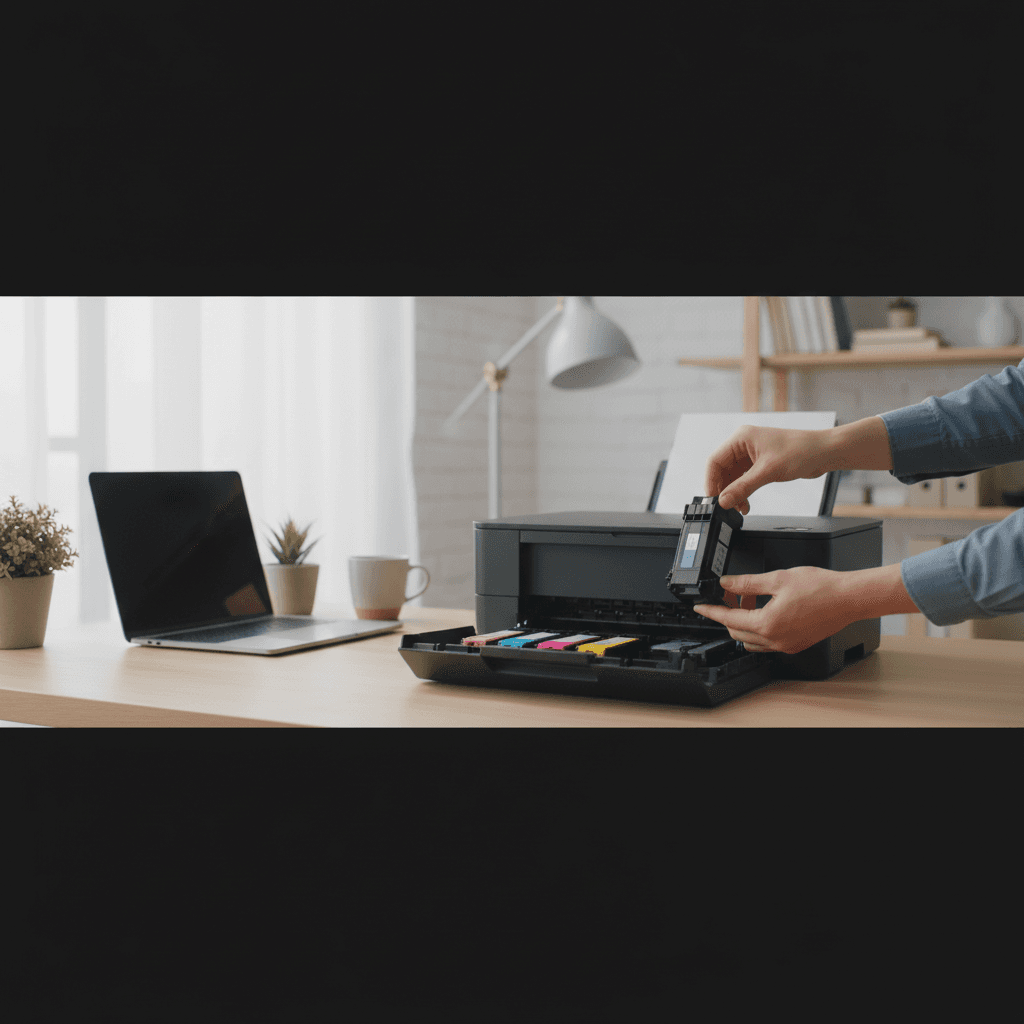
Printer Says Ink Empty But Cartridge Was Just Installed
Just put in a new cartridge and the printer says it's empty? Here's why this happens and how to fix it for HP, Canon, Epson, and Brother printers.
What's Happening
You just spent money on a new ink cartridge, installed it correctly, and your printer immediately says it's empty or low. This is incredibly frustrating - you KNOW the cartridge is full. This problem usually comes down to how the printer reads cartridge information, and the fix depends on your printer brand.
Quick Checks (Do These First)
- Did you remove ALL protective tape and seals? Check for orange tabs, tape over contacts, and vent seals.
- Is the cartridge firmly seated? Remove and firmly reinsert until it clicks.
- Is it the right cartridge for your printer model? Double-check the model number.
- Is it a genuine or third-party cartridge? Third-party cartridges sometimes aren't recognized.
- Check the expiration date - old cartridges can have chip issues.
Step-by-Step Fixes
For HP Printers
- Remove the cartridge and clean the copper contacts with a lint-free cloth
- Also clean the contacts inside the printer carriage
- Reinstall firmly
- If it's a third-party cartridge, HP firmware may be blocking it - check for a "Continue with setup cartridge" option
- Some HP printers let you disable cartridge protection in settings
For Canon Printers
- Hold the printer's Stop/Reset button for 5 seconds to reset the ink counter
- Or press and hold the Resume/Cancel button
- Try the cartridge in a different slot (if multi-cartridge)
- Canon printers may need a chip resetter for refilled cartridges
For Epson Printers
- Access printer settings and look for "Disable Ink Monitoring" option
- Epson cartridges have chips that track usage - they don't reset automatically
- For refilled cartridges, you may need to replace the chip
- Turn printer off, wait 30 seconds, turn on with cartridge removed, then install
For Brother Printers
- Brother printers often have a "reset" option in the ink menu
- Press and hold specific button combinations during startup
- Check the printer display for "Accept" or "Yes" prompts after installation
- Brother is generally more accepting of third-party cartridges
If Nothing Worked
The cartridge itself may be defective. Even new cartridges can have faulty chips or damaged contacts. If possible, try the cartridge in another printer to test, or exchange it where you purchased it.
When to Call a Pro
If multiple new cartridges all show as empty, the printer's cartridge sensor or contacts may be damaged. This requires hands-on diagnosis to determine if it's repairable.
Need Professional Help?
If you're in the Tampa Bay area and need hands-on assistance, Geeks in Sneaks provides friendly, on-site tech support in Clearwater, Clearwater Beach, and Dunedin.
Related Topics
Need Professional Help?
If you're still having trouble, our expert technicians can help.
Learn about our printer support serviceMore Printer Issues Fixes
See all Printer Issues fixes →How to Prevent Malware from Abusing Network Printers
Concerned about malware using your printer to spread or spy? Here's how to secure network printers against malicious software and attacks.
How to Prevent Kids or Guests from Printing 100-Page Jobs
Tired of accidental massive print jobs from kids or guests? Here's how to set up quotas, require approval, and control who can print what.
How Often Should You Check for Printer Security Updates?
Printer firmware updates aren't optional—they patch security holes. Here's how often to check, how to update, and how to set up automatic updates.
How to Block Unwanted Cloud and Remote Print Features
Don't want HP ePrint, Canon Cloud, or Epson Connect on your printer? Here's how to disable cloud printing features for better privacy and security.
How to Use Guest Networks or VLANs to Isolate Your Printer
Want to keep your printer on a separate network for security? Learn how to use guest networks and VLANs to isolate printers from your main devices.
How to Securely Dispose of Old Printers with Stored Data
Getting rid of an old printer? Learn how to wipe stored data and dispose of it securely so your personal information doesn't end up in the wrong hands.
Are Scanned or Copied Documents Stored on Your Printer?
Wondering if your printer keeps copies of documents you scan or copy? Here's what gets stored, how to check, and how to clear it.
How to Reconnect Your Printer After Changing WiFi Password
Changed your WiFi password and now your printer won't connect? Here's how to get it back online in minutes.