
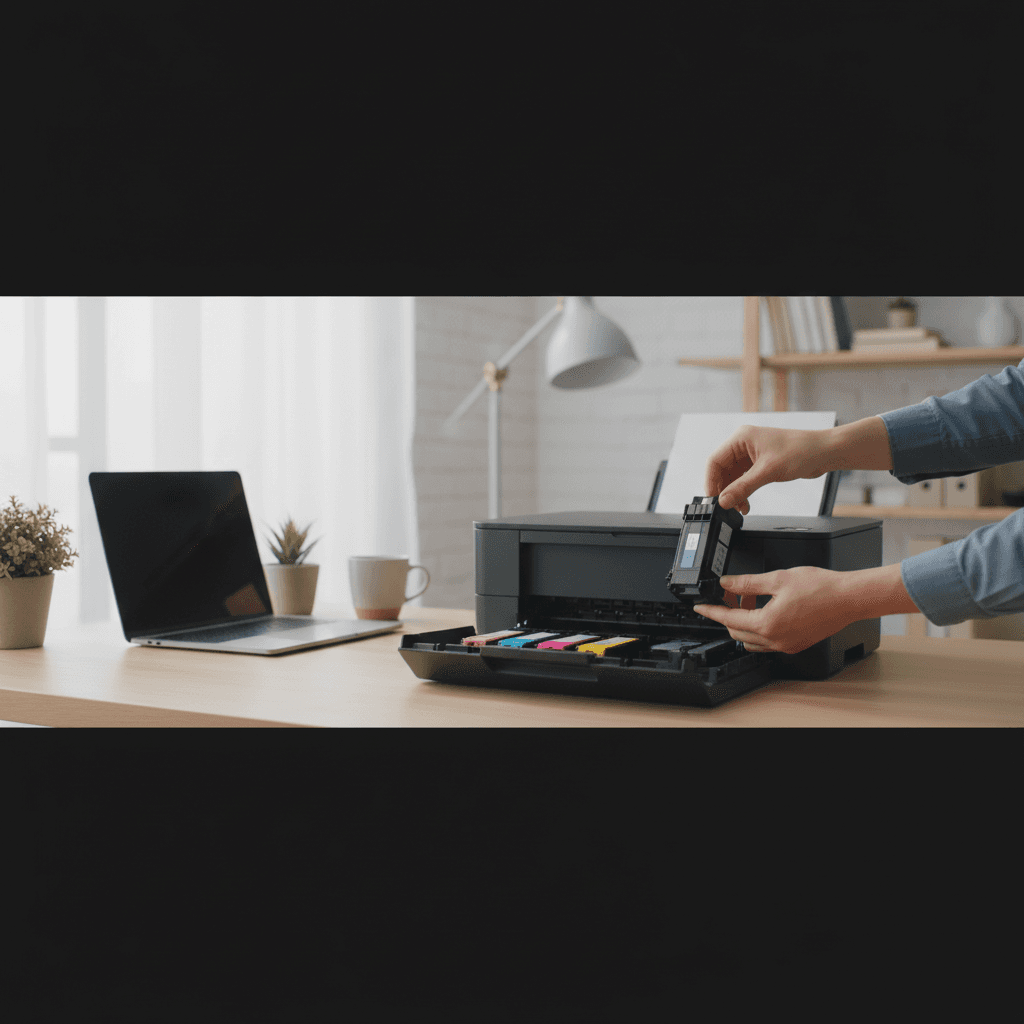
How to Store Spare Ink Cartridges Properly
Bought extra cartridges on sale? Here's how to store them so they don't dry out or fail when you need them.
What's Happening
You found a great deal on ink cartridges and stocked up. Smart move - but now you need to store them properly. Ink cartridges can dry out, leak, or have their chips expire if stored incorrectly. Here's how to keep them fresh and ready.
Quick Storage Rules
- Keep cartridges sealed in their original packaging until use.
- Store upright with the nozzles pointing down (for inkjet).
- Room temperature - avoid extreme heat or cold.
- Low humidity - but not bone dry.
- Away from direct sunlight - UV degrades ink.
Step-by-Step Storage Guide
For Unopened Cartridges
- Leave in original sealed packaging
- Store in a cool, dry place (room temperature, 50-77°F / 10-25°C)
- Keep away from heat sources (radiators, sunny windows)
- Avoid freezing - can damage ink composition
- Note the "use by" date - most last 2 years unopened
For Opened But Unused Cartridges
- This is trickier - opened cartridges dry out quickly
- Store nozzle-side down on a damp paper towel in a sealed bag
- Use within 1-2 weeks for best results
- Alternatively, reinstall in the printer even if not printing
For Laser Toner
- Toner is more stable than ink - less sensitive to storage
- Keep in original packaging
- Store flat (not on end) to prevent toner settling
- Avoid humidity - toner can clump if exposed to moisture
- Shelf life is typically 2-3 years
What NOT to Do
- Don't store in the garage (temperature extremes)
- Don't refrigerate (moisture when brought to room temp)
- Don't remove protective seals until ready to install
- Don't store near heat sources or in direct sunlight
Check Before Installing
When you go to use stored cartridges:
- Check the expiration date
- Inspect for damage or leaks
- Shake gently (especially toner) to redistribute
- Let refrigerated cartridges reach room temperature before installing
When to Call a Pro
If you're having problems with cartridges you stored and followed these guidelines, the cartridges may have been defective from the start. A technician can help diagnose whether it's a cartridge issue or printer problem.
Need Professional Help?
If you're in the Tampa Bay area and need hands-on assistance, Geeks in Sneaks provides friendly, on-site tech support in Clearwater, Clearwater Beach, and Dunedin.
Related Topics
Need Professional Help?
If you're still having trouble, our expert technicians can help.
Learn about our printer support serviceMore Printer Issues Fixes
See all Printer Issues fixes →How to Prevent Malware from Abusing Network Printers
Concerned about malware using your printer to spread or spy? Here's how to secure network printers against malicious software and attacks.
How to Prevent Kids or Guests from Printing 100-Page Jobs
Tired of accidental massive print jobs from kids or guests? Here's how to set up quotas, require approval, and control who can print what.
How Often Should You Check for Printer Security Updates?
Printer firmware updates aren't optional—they patch security holes. Here's how often to check, how to update, and how to set up automatic updates.
How to Block Unwanted Cloud and Remote Print Features
Don't want HP ePrint, Canon Cloud, or Epson Connect on your printer? Here's how to disable cloud printing features for better privacy and security.
How to Use Guest Networks or VLANs to Isolate Your Printer
Want to keep your printer on a separate network for security? Learn how to use guest networks and VLANs to isolate printers from your main devices.
How to Reset Forgotten Admin Password on Printer Web Interface
Locked out of your printer's web interface? Here's how to reset the admin password for HP, Canon, Epson, and Brother printers.
How to Securely Dispose of Old Printers with Stored Data
Getting rid of an old printer? Learn how to wipe stored data and dispose of it securely so your personal information doesn't end up in the wrong hands.
Are Scanned or Copied Documents Stored on Your Printer?
Wondering if your printer keeps copies of documents you scan or copy? Here's what gets stored, how to check, and how to clear it.