
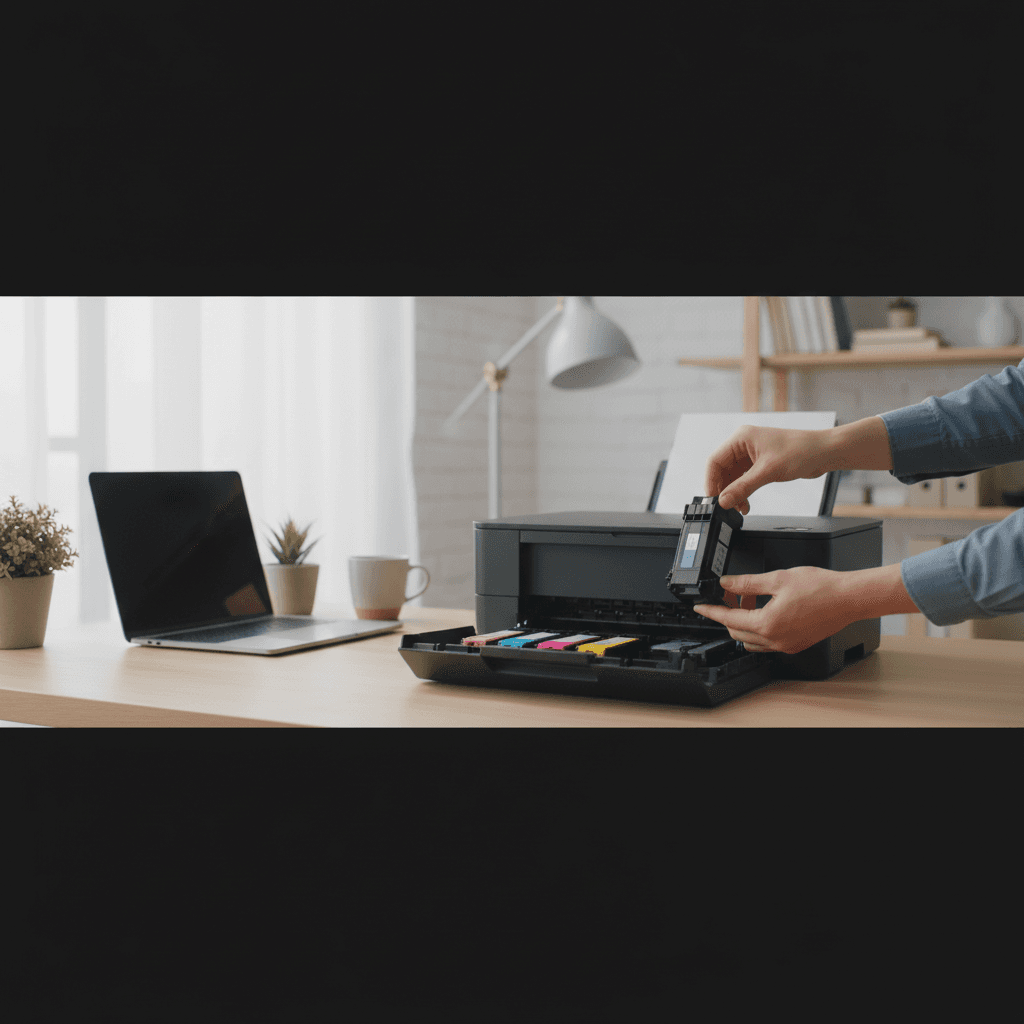
What to Look For When Buying a Home Printer (Inkjet vs Laser)
Not sure if you need an inkjet or laser printer for your home? Here's how to choose the right printer type based on what you actually print.
What's Happening
You're standing in the printer aisle (or scrolling through Amazon) staring at dozens of options, and the biggest question is: inkjet or laser? Both types print documents, but they work completely differently - and the wrong choice can cost you hundreds in wasted ink or a printer that doesn't meet your needs. Let's break down exactly what you need to know before buying.
Quick Checks (Do These First)
- What do you print most? Text documents, photos, or a mix?
- How often do you print? Daily, weekly, or once a month?
- Do you need color? Or is black and white enough?
- What's your budget? Just the printer, or including long-term ink costs?
- Do you have space? Laser printers are usually bigger and heavier.
Inkjet vs Laser: The Real Differences
How They Work
Inkjet printers spray tiny droplets of liquid ink onto paper through microscopic nozzles. Laser printers use toner (a fine powder) that's melted onto paper with heat and static electricity. This fundamental difference affects everything from print quality to running costs.
When to Choose Inkjet
Inkjet is better if you:
- Print photos or colorful graphics. Inkjets produce vibrant colors and smooth gradients that laser printers can't match.
- Print infrequently. Wait, this seems backward - but modern inkjets handle occasional use better than older models.
- Have limited space. Inkjets are typically more compact and lighter.
- Have a tight upfront budget. Basic inkjets start around $50-100.
The catch: Replacement ink cartridges are expensive. A $100 printer can easily cost $100/year in ink if you print regularly. That's why many people feel "scammed" by inkjet printers - the printer is cheap, but the ink is where manufacturers make their money.
When to Choose Laser
Laser is better if you:
- Print lots of text documents. Laser produces crisp, professional-looking black text faster and cheaper per page.
- Print frequently. If you print 20+ pages per week, laser will save you money.
- Want reliability. Laser printers are generally more reliable and have fewer issues than inkjets.
- Don't print for weeks at a time. Toner doesn't dry out like ink does.
The catch: Higher upfront cost ($150-400 for home models). Color laser printers are significantly more expensive than black-and-white models.
The Real Cost: Look at Cost Per Page
Don't just look at the printer's price tag. A $50 inkjet might seem like a bargain, but if cartridges cost $35 and print only 200 pages, that's 17.5 cents per page. Compare that to a $200 laser printer where toner costs $60 but prints 2,000 pages - that's just 3 cents per page.
Rough cost per page estimates:
- Budget inkjet: 10-20 cents per page
- Laser printer: 2-5 cents per page
- Ink tank printer: 1-2 cents per page (see below)
The Third Option: Ink Tank Printers
Ink tank models (like Epson EcoTank, HP Smart Tank, Canon MegaTank, and Brother INKvestment) are inkjets with refillable reservoirs instead of cartridges. You buy bottles of ink for $10-15 that can print thousands of pages.
Best for: Families who print a lot, home offices, or anyone tired of expensive cartridges.
Cost: $200-400 upfront, but ink costs drop to about $5-10/year for typical home use.
Other Features to Consider
- All-in-one (print/scan/copy): Adds $20-50 to cost but very convenient
- Wi-Fi printing: Print from phones, tablets, anywhere in your house
- Automatic document feeder (ADF): For scanning/copying multi-page documents
- Duplex (two-sided) printing: Saves paper, essential for some
The Bottom Line
For most homes, the best choice is:
- Black-and-white laser if you mainly print documents
- Ink tank printer if you need color and print regularly
- Budget inkjet only if you print very rarely (less than 50 pages/month) and sometimes need color
When to Call a Pro
If you need help setting up a new printer, connecting it to your network, or configuring it for multiple users, professional setup can save hours of frustration - especially with network printing and sharing.
Need Professional Help?
If you're in the Tampa Bay area and need hands-on assistance, Geeks in Sneaks provides friendly, on-site tech support in Clearwater, Clearwater Beach, and Dunedin.
Related Topics
Need Professional Help?
If you're still having trouble, our expert technicians can help.
Learn about our printer support serviceMore Printer Issues Fixes
See all Printer Issues fixes →How to Prevent Malware from Abusing Network Printers
Concerned about malware using your printer to spread or spy? Here's how to secure network printers against malicious software and attacks.
How to Prevent Kids or Guests from Printing 100-Page Jobs
Tired of accidental massive print jobs from kids or guests? Here's how to set up quotas, require approval, and control who can print what.
How Often Should You Check for Printer Security Updates?
Printer firmware updates aren't optional—they patch security holes. Here's how often to check, how to update, and how to set up automatic updates.
How to Block Unwanted Cloud and Remote Print Features
Don't want HP ePrint, Canon Cloud, or Epson Connect on your printer? Here's how to disable cloud printing features for better privacy and security.
How to Use Guest Networks or VLANs to Isolate Your Printer
Want to keep your printer on a separate network for security? Learn how to use guest networks and VLANs to isolate printers from your main devices.
How to Reset Forgotten Admin Password on Printer Web Interface
Locked out of your printer's web interface? Here's how to reset the admin password for HP, Canon, Epson, and Brother printers.
How to Securely Dispose of Old Printers with Stored Data
Getting rid of an old printer? Learn how to wipe stored data and dispose of it securely so your personal information doesn't end up in the wrong hands.
Are Scanned or Copied Documents Stored on Your Printer?
Wondering if your printer keeps copies of documents you scan or copy? Here's what gets stored, how to check, and how to clear it.