
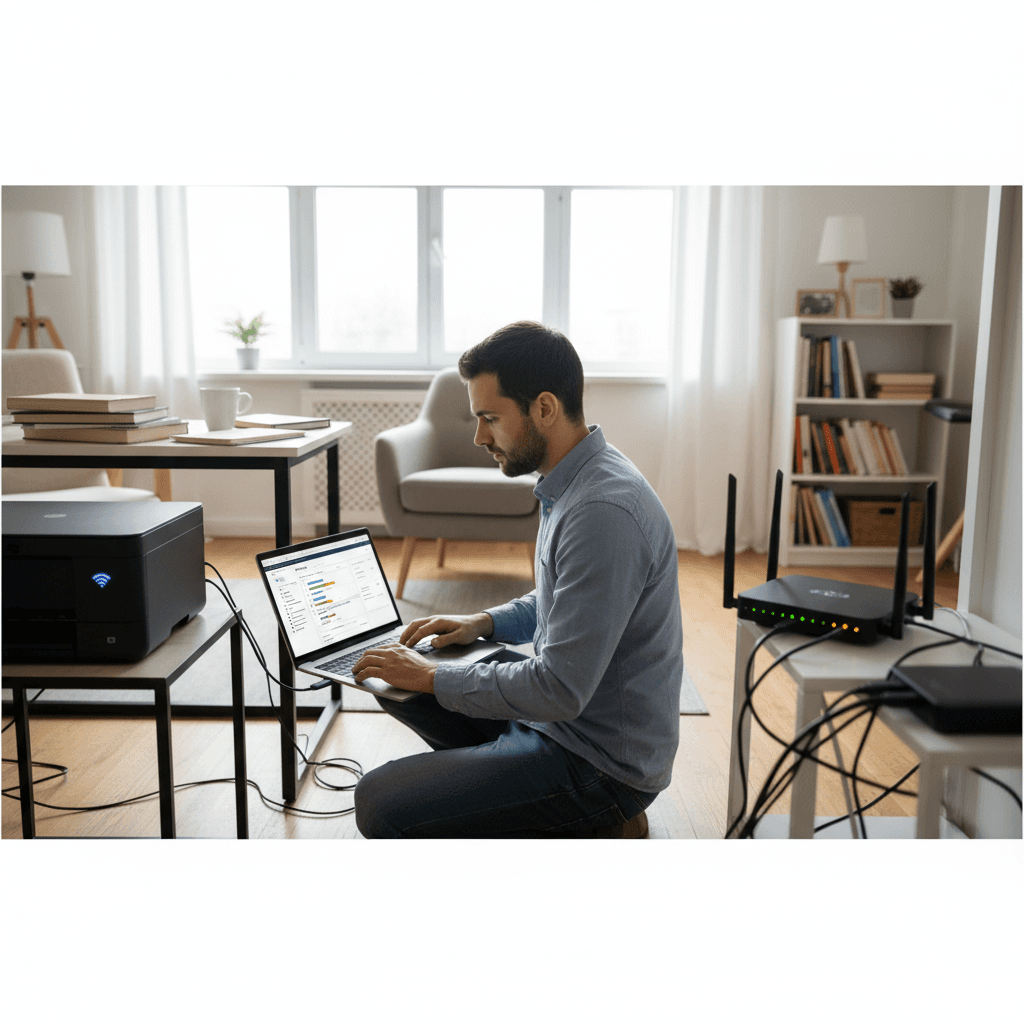
Printing Very Slow Over Wi-Fi Compared to USB
Wi-Fi printing taking forever while USB is instant? Here's how to speed up wireless printing and diagnose network bottlenecks.
What's Happening
When you connect via USB, documents print almost instantly. But try the same document over Wi-Fi and you're waiting minutes - or the job times out completely. This slowness isn't normal and can usually be fixed. The issue is somewhere between your computer, network, and printer.
Quick Checks (Do These First)
- How far is the printer from the router? Distance and walls affect speed.
- Is the printer on 2.4GHz or 5GHz? Most printers only support 2.4GHz.
- Are other Wi-Fi devices slow too? This indicates router/network issues.
- What file type is slow? Large images and PDFs take longer.
- Does it happen from all devices? Or just one computer?
Step-by-Step Fixes
Fix 1: Reduce Print Quality
- Open print settings/preferences
- Change quality from High/Best to Normal or Draft
- Lower resolution settings (300 dpi is plenty for documents)
- Disable "Print in High Quality" options
- This reduces the data sent over Wi-Fi
Fix 2: Move Printer Closer to Router
- Check the Wi-Fi signal strength on the printer's display
- Ideally, keep the printer in the same room as the router
- Avoid placing behind metal furniture or near microwaves
- Consider a Wi-Fi extender if relocation isn't possible
Fix 3: Use a Static IP Address
- A static IP reduces connection setup time
- Find the printer's MAC address in its network settings
- Log into your router and create a DHCP reservation
- Or set a static IP directly on the printer
- This prevents the printer from negotiating a new IP each time
Fix 4: Check for Interference
- Other 2.4GHz devices cause slowdowns (baby monitors, Bluetooth)
- Neighbors' routers on the same channel compete for bandwidth
- Try changing your router's Wi-Fi channel (1, 6, or 11 are best for 2.4GHz)
If Nothing Worked
For frequent printing, USB or Ethernet connections will always be faster than Wi-Fi. Some printers have Ethernet ports - a wired connection is much more reliable and faster for heavy print jobs.
When to Call a Pro
If Wi-Fi is slow throughout your home, not just for printing, your network may need optimization. A technician can analyze your network setup and recommend improvements.
Need Professional Help?
If you're in the Tampa Bay area and need hands-on assistance, Geeks in Sneaks provides friendly, on-site tech support in Clearwater, Clearwater Beach, and Dunedin.
Related Topics
Need Professional Help?
If you're still having trouble, our expert technicians can help.
Learn about our printer support serviceMore Printer Issues Fixes
See all Printer Issues fixes →How to Prevent Malware from Abusing Network Printers
Concerned about malware using your printer to spread or spy? Here's how to secure network printers against malicious software and attacks.
How to Prevent Kids or Guests from Printing 100-Page Jobs
Tired of accidental massive print jobs from kids or guests? Here's how to set up quotas, require approval, and control who can print what.
How Often Should You Check for Printer Security Updates?
Printer firmware updates aren't optional—they patch security holes. Here's how often to check, how to update, and how to set up automatic updates.
How to Block Unwanted Cloud and Remote Print Features
Don't want HP ePrint, Canon Cloud, or Epson Connect on your printer? Here's how to disable cloud printing features for better privacy and security.
How to Use Guest Networks or VLANs to Isolate Your Printer
Want to keep your printer on a separate network for security? Learn how to use guest networks and VLANs to isolate printers from your main devices.
How to Reset Forgotten Admin Password on Printer Web Interface
Locked out of your printer's web interface? Here's how to reset the admin password for HP, Canon, Epson, and Brother printers.
How to Securely Dispose of Old Printers with Stored Data
Getting rid of an old printer? Learn how to wipe stored data and dispose of it securely so your personal information doesn't end up in the wrong hands.
Are Scanned or Copied Documents Stored on Your Printer?
Wondering if your printer keeps copies of documents you scan or copy? Here's what gets stored, how to check, and how to clear it.