
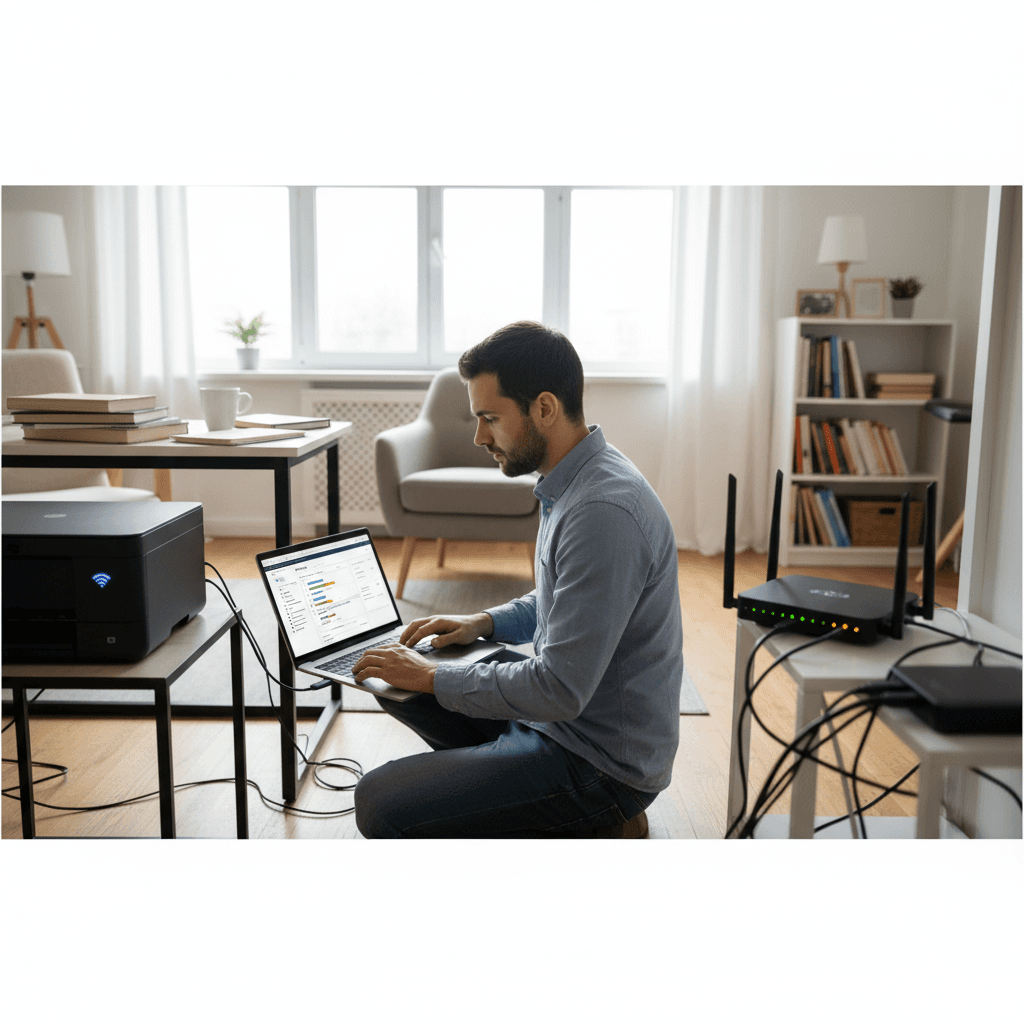
Printer Prints From Phone But Not From PC (or Vice Versa)
Your printer works from your phone but not your computer? Or the other way around? Here's how to fix this frustrating inconsistency.
What's Happening
Here's a puzzling one: you can print just fine from your iPhone or Android, but your Windows PC can't print at all. Or maybe it's the opposite - the PC prints fine but your phone can't find the printer. This inconsistency proves the printer is working - we just need to figure out why one device can talk to it and another can't.
Quick Checks (Do These First)
- Are all devices on the same Wi-Fi network? Check especially for guest networks.
- Phone on 5GHz, printer on 2.4GHz? Some routers keep these separate.
- Is the PC using a VPN? VPNs often block local network access.
- Does the printer app on your phone show the printer? This confirms the printer's Wi-Fi is working.
Step-by-Step Fixes
If Phone Works But PC Doesn't:
Fix 1: Reinstall Printer on PC
- Go to Settings > Bluetooth & devices > Printers & scanners
- Remove the printer
- Download the latest driver from the printer manufacturer's website
- Install the driver and follow the setup wizard
Fix 2: Disable VPN on PC
- Check if you're running a VPN (work VPN, NordVPN, etc.)
- Disconnect the VPN temporarily
- Try printing
- If it works, configure your VPN to allow local network access
Fix 3: Check Windows Firewall
- Go to Windows Security > Firewall & network protection
- Click Allow an app through firewall
- Ensure Network Discovery and File and Printer Sharing are allowed
If PC Works But Phone Doesn't:
Fix 1: Check Printer's AirPrint/Wi-Fi Direct
- Make sure AirPrint (for iPhone) or Mopria (for Android) is enabled in printer settings
- Some printers have a "Wireless Direct" mode - enable it
- Restart the printer after changing settings
Fix 2: Install Manufacturer's App
- Download HP Smart, Canon PRINT, Epson iPrint, or Brother iPrint&Scan
- These apps often find printers that the built-in print function misses
- The app may also need to configure the printer for mobile printing
Fix 3: Check Your Phone's Network
- Make sure your phone is on the same network as the printer (not mobile data)
- If your router has separate 2.4GHz and 5GHz networks, try both
- Connect phone to the same band the printer uses
If Nothing Worked
Some older printers don't support mobile printing at all. Check your printer's specs for AirPrint or Mopria compatibility. For PC issues, try adding the printer by IP address manually if wireless discovery fails.
When to Call a Pro
If you've tried everything and still can't get consistent printing across devices, there might be router settings (like AP isolation) or network configuration issues that need professional diagnosis.
Need Professional Help?
If you're in the Tampa Bay area and need hands-on assistance, Geeks in Sneaks provides friendly, on-site tech support in Clearwater, Clearwater Beach, and Dunedin.
Related Topics
Need Professional Help?
If you're still having trouble, our expert technicians can help.
Learn about our printer support serviceMore Printer Issues Fixes
See all Printer Issues fixes →How to Prevent Malware from Abusing Network Printers
Concerned about malware using your printer to spread or spy? Here's how to secure network printers against malicious software and attacks.
How to Prevent Kids or Guests from Printing 100-Page Jobs
Tired of accidental massive print jobs from kids or guests? Here's how to set up quotas, require approval, and control who can print what.
How Often Should You Check for Printer Security Updates?
Printer firmware updates aren't optional—they patch security holes. Here's how often to check, how to update, and how to set up automatic updates.
How to Block Unwanted Cloud and Remote Print Features
Don't want HP ePrint, Canon Cloud, or Epson Connect on your printer? Here's how to disable cloud printing features for better privacy and security.
How to Use Guest Networks or VLANs to Isolate Your Printer
Want to keep your printer on a separate network for security? Learn how to use guest networks and VLANs to isolate printers from your main devices.
How to Reset Forgotten Admin Password on Printer Web Interface
Locked out of your printer's web interface? Here's how to reset the admin password for HP, Canon, Epson, and Brother printers.
How to Securely Dispose of Old Printers with Stored Data
Getting rid of an old printer? Learn how to wipe stored data and dispose of it securely so your personal information doesn't end up in the wrong hands.
Are Scanned or Copied Documents Stored on Your Printer?
Wondering if your printer keeps copies of documents you scan or copy? Here's what gets stored, how to check, and how to clear it.