
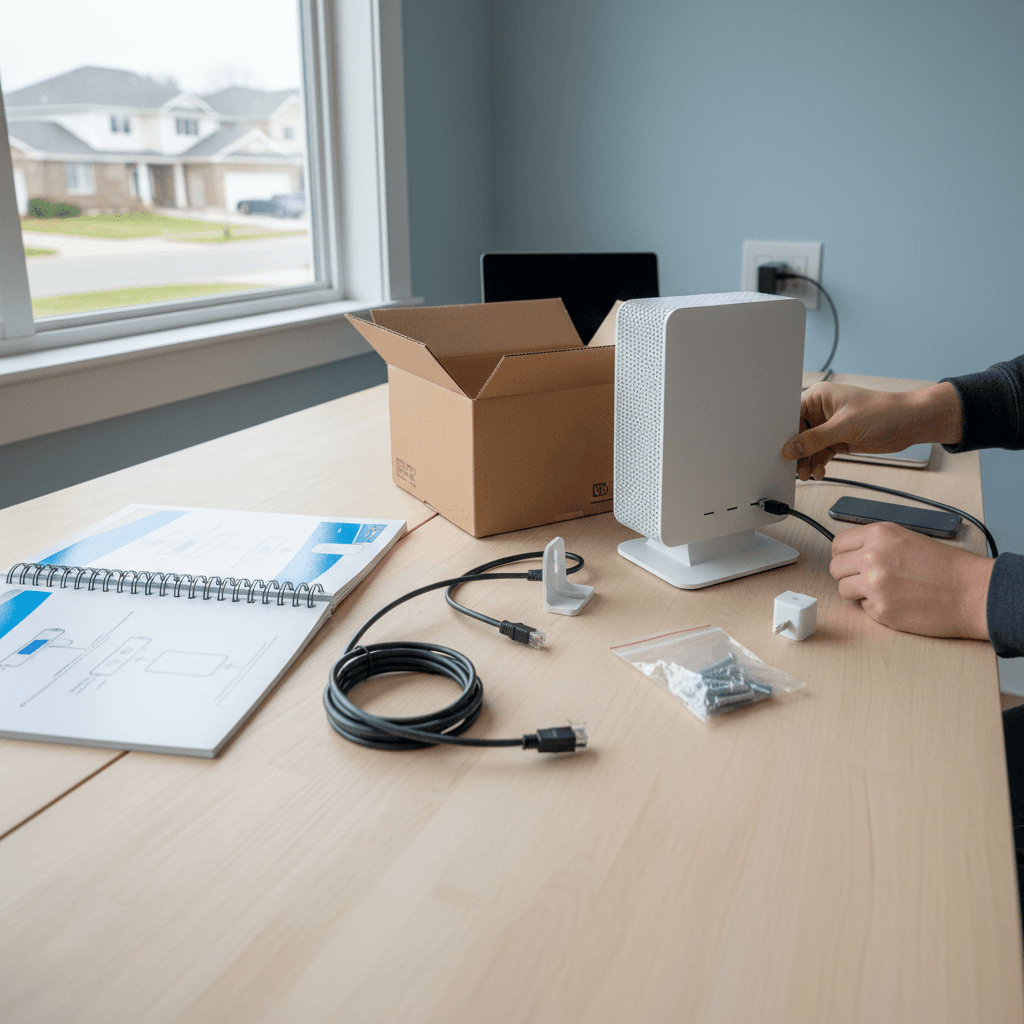
Surge Protection and UPS for Modems/Routers
Power surges and outages can damage your networking equipment. Learn how to protect your modem and router with proper surge protection and backup power.
What's Happening
You've never thought much about protecting your modem and router from power issues, or maybe you lost internet during a recent power blip and wondered if there's a better way. Power surges can instantly fry networking equipment, and even brief power outages disrupt your connection. The good news is that protecting your equipment is inexpensive and straightforward.
Quick Checks (Do These First)
- What are your modem and router plugged into now? Directly into the wall is risky.
- Do you experience frequent power blips? If lights flicker often, you need protection.
- Have you had networking equipment die suddenly? Might have been a surge.
- Do you work from home? Brief outages are more disruptive if you're on calls all day.
Step-by-Step Fixes
Fix 1: Use a Quality Surge Protector (Minimum Protection)
At minimum, your modem and router should be on a good surge protector:
- Get a surge protector with at least 1000 joules of protection
- Look for brands like Belkin, APC, or Tripp Lite (avoid generic $5 power strips)
- Make sure it has indicator lights showing surge protection is active
- Plug your modem and router into the surge protector
- Also protect the coax or phone line if possible - some surge protectors have coax/phone protection
- Replace the surge protector every 3-5 years (protection degrades over time)
A $25 surge protector is cheap insurance against losing $100+ of networking equipment.
Fix 2: Upgrade to a UPS for Basic Backup Power
A UPS (Uninterruptible Power Supply) provides surge protection plus battery backup:
- Get a small UPS rated for 425-600VA (plenty for modem and router)
- Good budget options: APC BE425M, CyberPower CP425SLG (around $50-70)
- Plug the UPS into the wall outlet
- Connect your modem to one of the battery backup outlets
- Connect your router to another battery backup outlet
- Don't plug in other devices - save the battery for networking equipment only
- Test it by unplugging the UPS - your internet should stay up for 15-30 minutes
This keeps your internet running through brief power outages and protects from surges.
Fix 3: Get a Larger UPS for Extended Runtime
If you need internet during longer outages (work from home, security systems):
- Get a UPS rated for 1000VA or higher
- Options: APC BR1000MS, CyberPower CP1500AVRLCD (around $150-200)
- These provide 2-4 hours of runtime for modem and router
- Some models show remaining runtime on a display
- You can also plug in your laptop or phone charger
- Replace the battery every 3-5 years (batteries wear out before the UPS does)
Extended runtime means staying online through longer power outages.
Fix 4: Protect the Phone or Coax Line Too
Power surges can enter through cable/phone lines, not just electrical outlets:
- Look for surge protectors or UPS models with coax protection
- The coax cable from the wall connects to the surge protector first
- Then a second coax cable goes from the surge protector to your modem
- This protects against surges traveling through the cable line
- Same concept for phone line connections (DSL)
- Not all UPS models have this - check the specifications
Comprehensive protection covers all entry points for surges.
Fix 5: Set Up UPS Monitoring and Alerts
Some UPS models connect to your computer for monitoring:
- Connect the UPS to your computer via USB cable (if included)
- Install the manufacturer's software (APC PowerChute, CyberPower PowerPanel)
- Configure alerts for power events
- Monitor battery health and remaining capacity
- Get warnings when the battery needs replacement
- See logs of power outages and surges
If Nothing Worked
If you're experiencing frequent equipment failures even with surge protection, you might have serious electrical problems in your home. Voltage issues, poor grounding, or frequent lightning strikes in your area might require professional electrical work or whole-home surge protection at your breaker panel.
When to Call a Pro
If your networking equipment keeps dying despite surge protection, or if you need more sophisticated power protection (whole-home surge protection, generator integration), call an electrician. For setting up complex UPS configurations or network equipment that requires uninterrupted power, we can help design the right solution.
Need Professional Help?
If you need help selecting and setting up power protection for your network, Geeks in Sneaks provides friendly, on-site tech support in Clearwater, Clearwater Beach, and Dunedin.
Related Topics
Need Professional Help?
If you're still having trouble, our expert technicians can help.
Learn about our network repair serviceMore Router & WiFi Fixes
See all Router & WiFi fixes →Business-Grade vs Consumer Routers for Home Use
Considering a business-grade router for your home? Find out if the premium price delivers real benefits for residential use.
Buying Used or Refurbished Routers: Safe or Risky?
Tempted to save money with a used router? Learn the real security risks and when buying secondhand is safe versus when it's dangerous.
How Long Should a Router Last? When to Replace Yours
Your router is a few years old and you're wondering if it's time to replace it. Learn the typical lifespan and warning signs it's failing.
Gaming Routers: Real Benefits vs Marketing Hype
Wondering if a gaming router is worth the premium price? We separate the real performance benefits from marketing gimmicks.
When to Move from Single Router to Mesh WiFi System
Dead zones and weak WiFi in parts of your home? Find out if it's time to upgrade from a traditional router to a mesh system.
Dual-Band vs Tri-Band Router: Who Actually Needs It?
Wondering if a tri-band router is worth the extra cost? We'll break down the real differences and help you decide what's right for your home.
Do You Really Need Wi-Fi 6 or 6E?
Wi-Fi 6 and 6E routers are everywhere, but do you actually need to upgrade—or is your current router good enough?
How to Fix a Faulty Coax or DSL Line from ISP to Modem
Your internet connection is unreliable and you suspect the cable or phone line coming into your home - here's how to diagnose and fix it.