
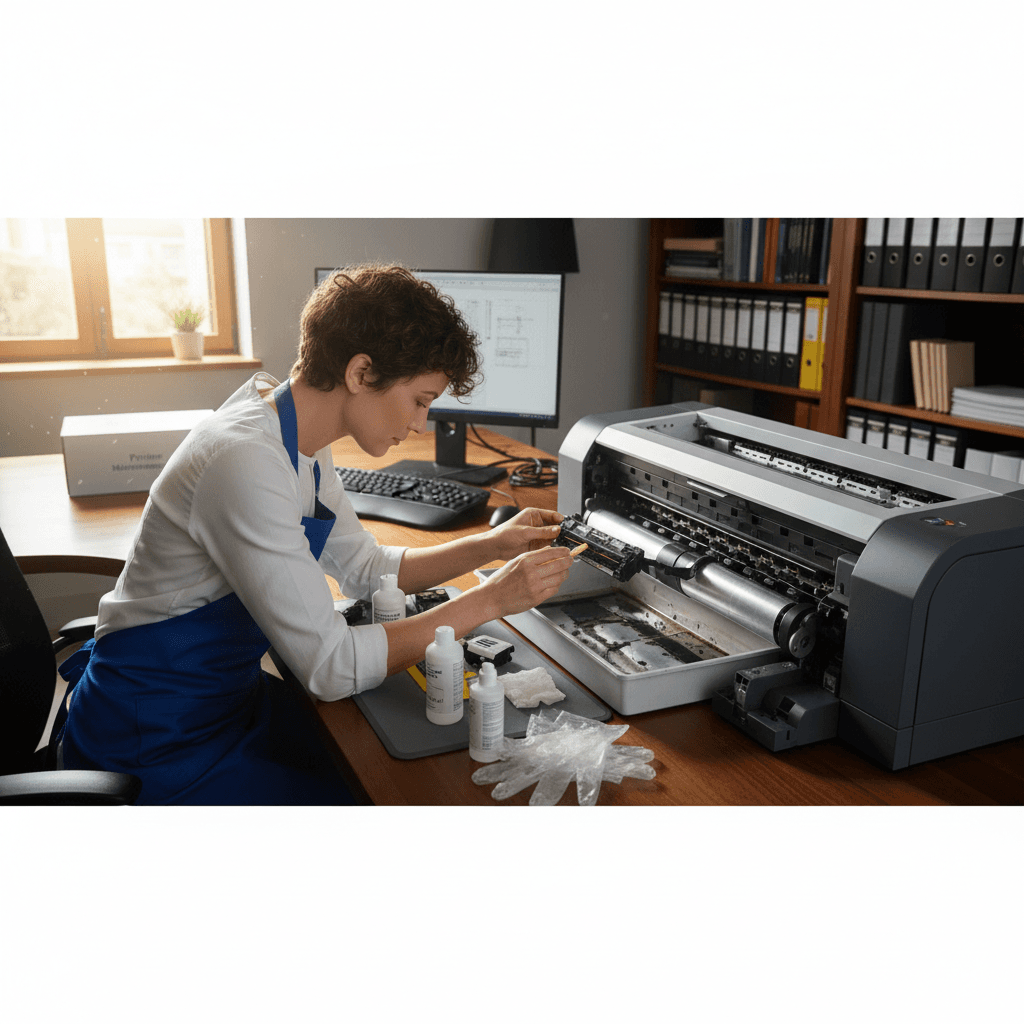
Spots, Dots, or Repeating Marks on Every Page
Random spots or a repeating pattern of marks on your prints? Something's dirty or damaged inside. Here's how to find and fix it.
What's Happening
Every page has the same spots, dots, or marks appearing in the same positions. It might be one big spot, a series of dots, or marks at regular intervals. These repeating defects tell us something inside the printer - a roller, drum, or other rotating component - has debris, damage, or contamination that's marking every page.
Quick Checks (Do These First)
- Measure the distance between repeating marks - this identifies which roller.
- Are marks appearing on blank pages too? Print a blank page to test.
- Is it happening with all paper or just certain paper?
- Color of the spots? Black = toner, other colors = specific cartridge, clear = liquid or adhesive.
- Did you recently change cartridges or do maintenance?
Step-by-Step Fixes
Fix 1: Clean the Drum/Imaging Unit
- Remove the drum or imaging unit
- Look for any debris, toner spots, or marks on the green/blue drum surface
- Very gently wipe with a dry, soft cloth
- Never use liquids or touch the drum with bare fingers
- Reinstall and test print
Fix 2: Check Toner Cartridge for Leaks
- Remove the toner cartridge
- Look for any toner buildup or leakage
- Check the waste toner area
- Clean any excess toner with a dry cloth
- Replace cartridge if it's damaged or leaking
Fix 3: Inspect the Fuser and Transfer Roller
- Access the fuser area (let it cool first!)
- Look for debris, paper fragments, or adhesive residue
- The transfer roller (usually a gray or black roller) can pick up marks
- Clean carefully with a dry cloth
Fix 4: Check for Paper or Label Debris
- Sometimes sticky notes, label backing, or paper fragments stick inside
- Open all access panels and inspect thoroughly
- Use a flashlight to spot small debris
- Remove any foreign material you find
If Nothing Worked
Create a "defect ruler" - measure the spacing between marks and compare to the circumference of common rollers. Common measurements: Drum (about 94mm for standard drums), Fuser roller (about 62mm), Transfer roller (about 50mm). This helps identify which component needs replacement.
When to Call a Pro
Internal contamination that can't be reached from access panels, or marks caused by scratched drums or damaged fusers, require professional cleaning or part replacement. It's often more economical to have a tech diagnose before buying expensive replacement parts.
Need Professional Help?
If you're in the Tampa Bay area and need hands-on assistance, Geeks in Sneaks provides friendly, on-site tech support in Clearwater, Clearwater Beach, and Dunedin.
Related Topics
Need Professional Help?
If you're still having trouble, our expert technicians can help.
Learn about our printer support serviceMore Printer Issues Fixes
See all Printer Issues fixes →How to Prevent Malware from Abusing Network Printers
Concerned about malware using your printer to spread or spy? Here's how to secure network printers against malicious software and attacks.
How to Prevent Kids or Guests from Printing 100-Page Jobs
Tired of accidental massive print jobs from kids or guests? Here's how to set up quotas, require approval, and control who can print what.
How to Block Unwanted Cloud and Remote Print Features
Don't want HP ePrint, Canon Cloud, or Epson Connect on your printer? Here's how to disable cloud printing features for better privacy and security.
How to Use Guest Networks or VLANs to Isolate Your Printer
Want to keep your printer on a separate network for security? Learn how to use guest networks and VLANs to isolate printers from your main devices.
How to Reset Forgotten Admin Password on Printer Web Interface
Locked out of your printer's web interface? Here's how to reset the admin password for HP, Canon, Epson, and Brother printers.
How to Securely Dispose of Old Printers with Stored Data
Getting rid of an old printer? Learn how to wipe stored data and dispose of it securely so your personal information doesn't end up in the wrong hands.
Are Scanned or Copied Documents Stored on Your Printer?
Wondering if your printer keeps copies of documents you scan or copy? Here's what gets stored, how to check, and how to clear it.
How to Reconnect Your Printer After Changing WiFi Password
Changed your WiFi password and now your printer won't connect? Here's how to get it back online in minutes.