
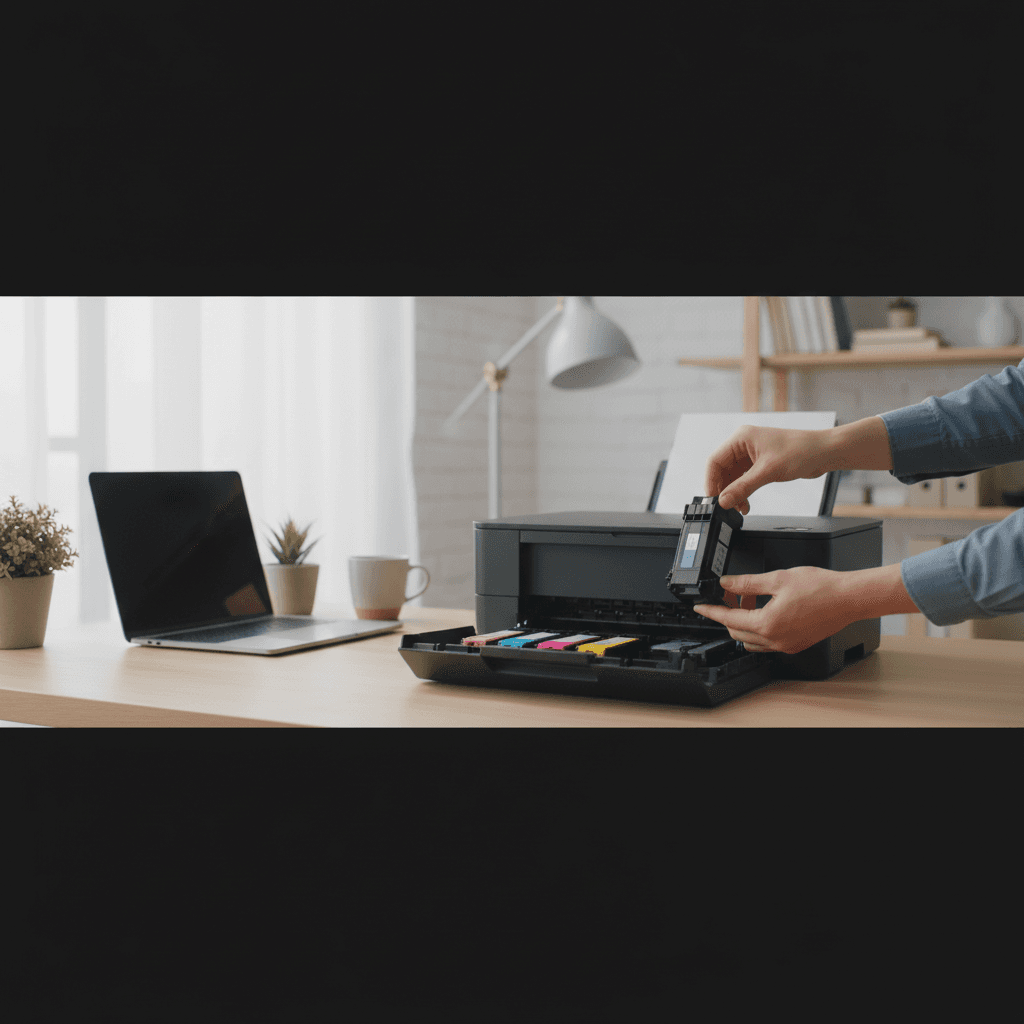
Signs Your Printer is Too Old and Needs Replacement
How do you know when it's time to retire your old printer? These warning signs mean it's time for an upgrade.
What's Happening
Your printer still works... sort of. But it's slow, the print quality isn't great, and you're wondering if it's time to upgrade or if you're just being wasteful. Printers don't last forever, and sometimes holding onto an old printer costs you more in frustration and wasted ink than buying a new one would. Here are the clear signs it's time to move on.
Quick Checks (Do These First)
- How old is it? Check purchase date or serial number.
- Can you still buy ink/toner? Check manufacturer and third-party suppliers.
- Does it support your current OS? Check if drivers exist for Windows 11 or macOS Sonoma.
- How often does it have problems? Once a month? Weekly?
- What would a modern replacement cost? Might be cheaper than you think.
Red Flags Your Printer Is Too Old
1. It's Over 5 Years Old (Inkjet) or 7+ Years Old (Laser)
This is the biggest indicator. Average inkjet lifespan: 3-5 years. Average laser lifespan: 5-7 years. After this, you're on borrowed time.
Even if it still prints, older printers:
- Use more ink/toner per page (less efficient)
- Lack modern wireless and mobile printing features
- May not get driver updates for new operating systems
- Have worn internal parts that cause quality and reliability issues
2. Ink or Toner is Hard to Find or Expensive
If you have to hunt on eBay for cartridges, or they cost more than 50% of a new printer's price, that's a sign the printer has been discontinued. Manufacturers stop making consumables 5-7 years after discontinuing a model.
Warning sign: Amazon only has "compatible" or third-party cartridges, no official ones.
3. No Drivers for Your Current Operating System
Trying to use a 2015 printer on Windows 11 or macOS Sonoma? If the manufacturer doesn't offer updated drivers, you're fighting a losing battle. You might get basic functionality, but many features won't work.
Check: Go to the manufacturer's website, find your model, and see if drivers exist for your OS. If the newest driver is from 2018, it's time to upgrade.
4. Frequent Paper Jams
Occasional jams are normal. But if you're clearing jams weekly or even daily, the rollers and pickup mechanisms are worn out. Replacing these parts on a cheap printer doesn't make sense - just get a new one.
5. Declining Print Quality That Cleaning Doesn't Fix
If you're getting streaks, faded areas, or blurry text even after multiple cleaning cycles and fresh cartridges, the printhead or drum is worn out. This is normal wear and tear, not fixable.
- Inkjet: Clogged or damaged printhead ($50-100 to replace)
- Laser: Worn drum unit ($100-200 to replace)
For budget printers, these repairs cost more than the printer is worth.
6. It Doesn't Have Wi-Fi or Modern Features
If your printer only works via USB cable and you have to walk to your desk to print from your phone, you're missing out. Modern printers offer:
- Wi-Fi printing from anywhere in your house
- Mobile printing from phones and tablets (AirPrint, Google Cloud Print alternatives)
- Automatic two-sided printing
- Touchscreen controls
- Quieter operation
7. You're Spending More on Ink Than a New Printer Costs
If you're buying a $40 color cartridge every couple months for a printer you bought for $60, the math doesn't work. Modern ink tank printers have ink costs under $10/year for typical home use.
Do the math: If you spend $100+/year on ink for an old inkjet, an ink tank printer pays for itself in 2-3 years.
8. It Makes Weird Noises or Moves Strangely
Grinding, clicking, or whirring noises mean mechanical parts are failing. Motors, gears, and belts wear out. If your printer sounds like it's struggling, it is.
9. Error Messages You Can't Fix
Permanent error codes, messages about "fatal errors," or problems that persist after factory resets usually mean hardware failure. Time to move on.
10. You Dread Using It
This is the most honest test. If you avoid printing things because dealing with your printer is such a hassle, that frustration has a cost. Your time and sanity are worth something.
What Modern Printers Offer
If your printer is 5+ years old, you're missing out on:
- Ink tank systems: 90% cheaper ink costs (Epson EcoTank, HP Smart Tank, Canon MegaTank)
- Better wireless: Print from your phone in seconds
- Faster speeds: Modern printers are significantly faster
- Quieter operation: You'll notice the difference
- Better paper handling: Fewer jams, better tray designs
- Higher quality: Even budget printers print better than old models
When Old Printers Are Worth Keeping
Keep your old printer if:
- It's a high-end professional model that still works perfectly
- It's a laser printer that still gets toner and prints reliably
- You print very rarely (less than 10 pages/month) and it works fine
- It has sentimental or collectible value
How to Responsibly Dispose of Old Printers
Don't throw printers in the trash - they contain electronics that shouldn't go to landfills.
- Recycle: Best Buy, Staples, and Office Depot take old printers for free recycling
- Trade-in: Some manufacturers offer trade-in credits
- Donate: If it works, schools or nonprofits might want it
- Sell parts: Working printheads and parts sell on eBay
When to Call a Pro
If you're not sure whether your printer issues are age-related or fixable, a tech can diagnose it and tell you honestly if repair or replacement makes more sense.
Need Professional Help?
If you're in the Tampa Bay area and need hands-on assistance, Geeks in Sneaks provides friendly, on-site tech support in Clearwater, Clearwater Beach, and Dunedin.
Related Topics
Need Professional Help?
If you're still having trouble, our expert technicians can help.
Learn about our printer support serviceMore Printer Issues Fixes
See all Printer Issues fixes →How to Prevent Malware from Abusing Network Printers
Concerned about malware using your printer to spread or spy? Here's how to secure network printers against malicious software and attacks.
How to Prevent Kids or Guests from Printing 100-Page Jobs
Tired of accidental massive print jobs from kids or guests? Here's how to set up quotas, require approval, and control who can print what.
How Often Should You Check for Printer Security Updates?
Printer firmware updates aren't optional—they patch security holes. Here's how often to check, how to update, and how to set up automatic updates.
How to Block Unwanted Cloud and Remote Print Features
Don't want HP ePrint, Canon Cloud, or Epson Connect on your printer? Here's how to disable cloud printing features for better privacy and security.
How to Use Guest Networks or VLANs to Isolate Your Printer
Want to keep your printer on a separate network for security? Learn how to use guest networks and VLANs to isolate printers from your main devices.
How to Reset Forgotten Admin Password on Printer Web Interface
Locked out of your printer's web interface? Here's how to reset the admin password for HP, Canon, Epson, and Brother printers.
How to Securely Dispose of Old Printers with Stored Data
Getting rid of an old printer? Learn how to wipe stored data and dispose of it securely so your personal information doesn't end up in the wrong hands.
Are Scanned or Copied Documents Stored on Your Printer?
Wondering if your printer keeps copies of documents you scan or copy? Here's what gets stored, how to check, and how to clear it.