
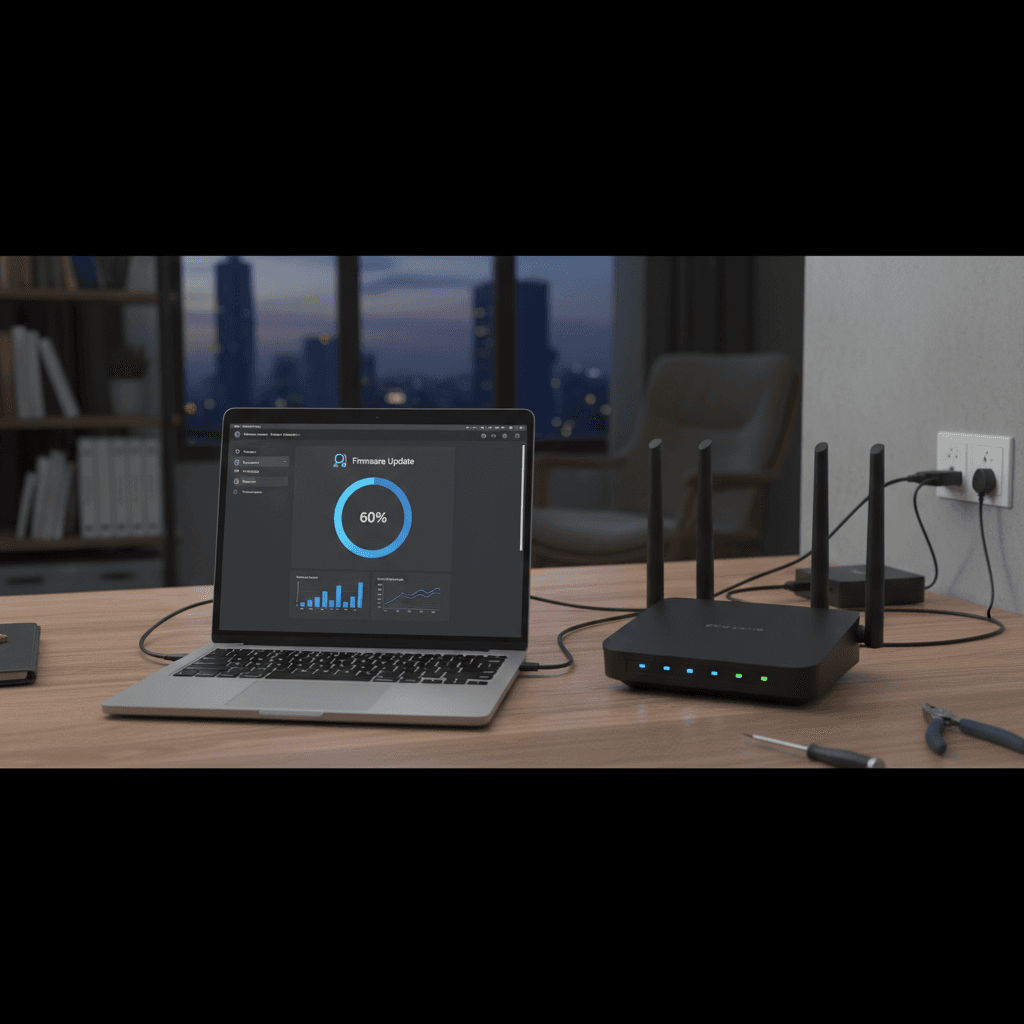
How Often to Check for and Apply Firmware Updates
Router firmware updates fix security holes and improve performance, but checking too often is overkill. Here's the right update schedule.
What's Happening
You know firmware updates are important for security and performance, but you're not sure how often you should check for them. Check too rarely and you're vulnerable; check too often and you're wasting time. Finding the right balance keeps your network secure without becoming a chore.
Quick Checks (Do These First)
- When did you last update? Log into your router admin page and check the firmware version and date.
- Does your router auto-update? Many modern routers update automatically - check your settings.
- Have you heard about router security issues in the news? If yes, check for updates immediately.
- Is your router still supported? Routers older than 5 years might not get updates anymore.
Step-by-Step Fixes
Fix 1: Enable Automatic Firmware Updates (Best Option)
Most modern routers can update themselves, which is the safest and easiest approach:
- Log into your router admin page (check the label on the router for the address)
- Look for "Firmware," "System Update," or "Router Update" section
- Find the "Automatic Updates" option
- Enable it and set it to install updates during low-traffic hours (3-4 AM)
- Some routers will notify you before updating - enable notifications too
- Verify it's working by checking the update log after a week
With auto-updates enabled, you're protected without thinking about it.
Fix 2: Check Manually Once Per Quarter (Every 3 Months)
If your router doesn't support auto-updates, set up a quarterly check schedule:
- Set a recurring calendar reminder for January 1, April 1, July 1, and October 1
- On those dates, log into your router's admin page
- Navigate to the firmware or system update section
- Click "Check for Updates" or similar button
- If an update is available, read the release notes
- Back up your router settings first (if possible)
- Apply the update and wait for the router to reboot
- Test your internet connection after the update completes
Quarterly checks catch most important security updates without being excessive.
Fix 3: Check Monthly for High-Security Needs
If you run a business from home, have IoT devices, or store sensitive data, check monthly:
- Choose the first of every month as your update check day
- Also subscribe to your router manufacturer's security mailing list
- Check the manufacturer's website for security bulletins
- Look specifically for critical security patches
- Apply critical updates immediately, even between monthly checks
More frequent checks protect you from newly discovered vulnerabilities.
Fix 4: Update Immediately in These Situations
Sometimes you need to check outside your normal schedule:
- After hearing about major router vulnerabilities in the news - Check that day
- When experiencing new, unexplained problems - Updates often fix bugs
- After buying the router - Update before setting up your network
- Before traveling - Update your router so your home network is secure while you're away
- If you notice devices behaving strangely - Could be malware exploiting old firmware
If Nothing Worked
If your router is no longer receiving firmware updates (check the manufacturer's website), it's time to consider replacing it. Unsupported routers are security risks because new vulnerabilities won't be patched. Most manufacturers support routers for 3-5 years after release.
When to Call a Pro
If a firmware update fails and your router won't boot, or if you're uncomfortable accessing router settings, professional help can save you from bricking your device. Firmware updates occasionally go wrong, and recovery requires technical knowledge.
Need Professional Help?
If you're concerned about your router's security or need help with updates, Geeks in Sneaks provides friendly, on-site tech support in Clearwater, Clearwater Beach, and Dunedin.
Related Topics
Need Professional Help?
If you're still having trouble, our expert technicians can help.
Learn about our network repair serviceMore Router & WiFi Fixes
See all Router & WiFi fixes →Business-Grade vs Consumer Routers for Home Use
Considering a business-grade router for your home? Find out if the premium price delivers real benefits for residential use.
Buying Used or Refurbished Routers: Safe or Risky?
Tempted to save money with a used router? Learn the real security risks and when buying secondhand is safe versus when it's dangerous.
Gaming Routers: Real Benefits vs Marketing Hype
Wondering if a gaming router is worth the premium price? We separate the real performance benefits from marketing gimmicks.
Renting ISP Equipment vs Buying Your Own: Real Cost Comparison
Paying monthly rental fees for your modem and router? Find out how much you could save by buying your own equipment.
Matching Router Capabilities to Your Internet Speed Tier
Have gigabit internet but not getting those speeds? Your router might be the bottleneck. Learn how to match equipment to your plan.
What to Look for When Buying a Home Router in 2026
Shopping for a new router can be overwhelming with all the technical specs and marketing claims—here's what actually matters in 2026.
When to Move from Single Router to Mesh WiFi System
Dead zones and weak WiFi in parts of your home? Find out if it's time to upgrade from a traditional router to a mesh system.
Dual-Band vs Tri-Band Router: Who Actually Needs It?
Wondering if a tri-band router is worth the extra cost? We'll break down the real differences and help you decide what's right for your home.